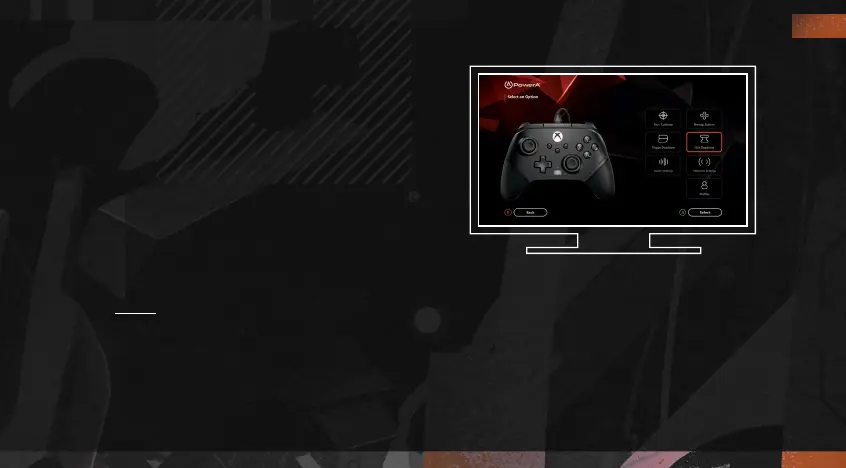
Gamer HQ
The Gamer HQ app can be used to test, calibrate, and customize settings on your controller.
With your controller connected to Xbox or Windows 10/11 PC via USB-C cable you can:
• Update firmware to the latest version
• Test your controller’s buttons and analog controls, vibration functionality, and audio
• Recalibrate analog inputs for proper control response
• Set trigger and thumbstick deadzone/active area
• Set game-chat volume balance and vibration intensity
• Remap buttons (including Advanced Gaming Buttons)
You can also create custom profiles to use for different games or players, and push up to
three profiles to your controller for convenient access via the PROGRAM button while you
are gaming. You can download the Gamer HQ app from the Windows Store using Xbox or a
Windows 10/11 PC.
EN
10




 To Next Page