20
Step 3 - Starting the engine
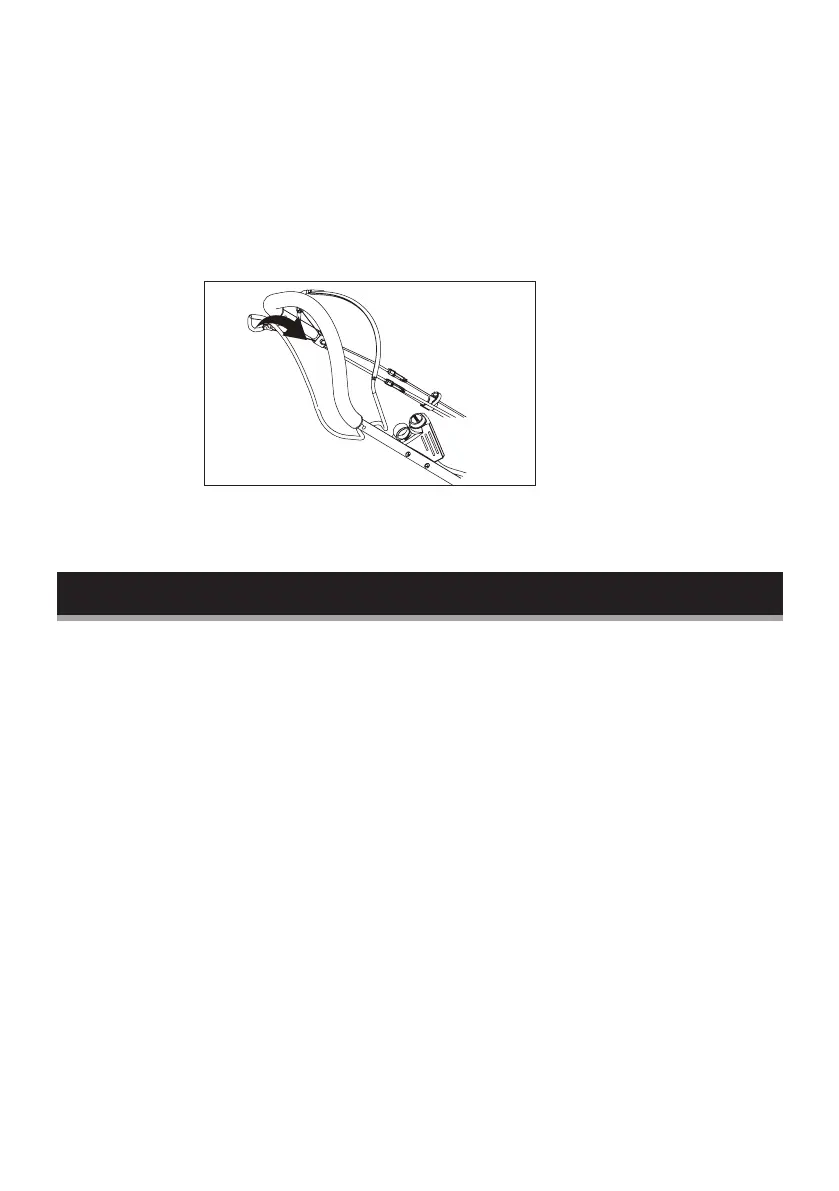
Press and hold the start button. As soon as the motor starts
running, release the starter button.
Step 4 - Self propelled mowing
Engage the propulsion lever, the mower will move forward
automatically, release the propulsion lever, the mower will stop
moving.
Step 5 - To stop, release stop/start bar
Failure to start
If the engine won’t start after you have operated the start
button several times, the engine may be flooded with excess
fuel.
Use the following procedure to clean and start a flooded engine:
A. Release the stop/start bar.
B. Remove the spark plug, dry it, and then reinstall it.
Install the spark plug carefully by hand, to avoid cross-threading.
After the plug is seated, tighten it 1/8 to 1/4 turns with the
socket spanner to compress the washer.
C. Pull the stop/start bar towards the upper handle.
D. Operate the start button, as described above.


 To Next Page