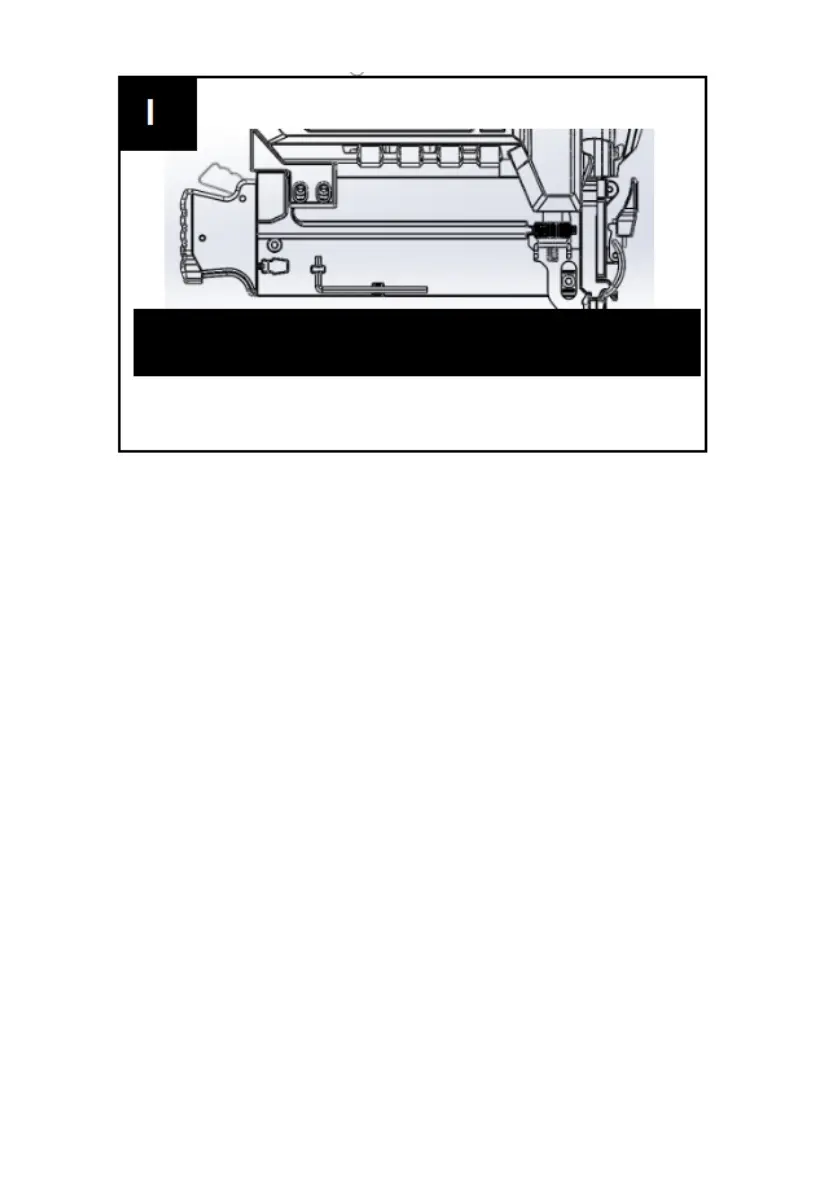
2. Sequential fire mode (Fig. H, I)
To select sequential fire mode, move the
mode switch to 'TTT'. Pull and hold the
switch trigger, then align the nail gun with
the spot where you want to drive the nail.
The nail gun will shoot repeatedly until the
switch trigger is released.
Note. If the tip is not firmly against the
surface, the nail gun will not work safely.
Note. If there are only a few nails in the
magazine, the workpiece contact will be held
and the nail gun will not fire. This is to notify
the operator to put more nails in.
Note. If the LED indicator is green, it means
the power is on. If the LED indicator is red, it
means the power is low. When the LED
indicator flashes between green and red, it



 To Next Page