Home
PowerBase
Nail Gun
659144
Page 34 (Troubleshooting)
PowerBase 659144 - Troubleshooting
37 pages
Manual
Save Page as PDF
To Next Page
To Next Page
To Previous Page
To Previous Page
Loading...
34
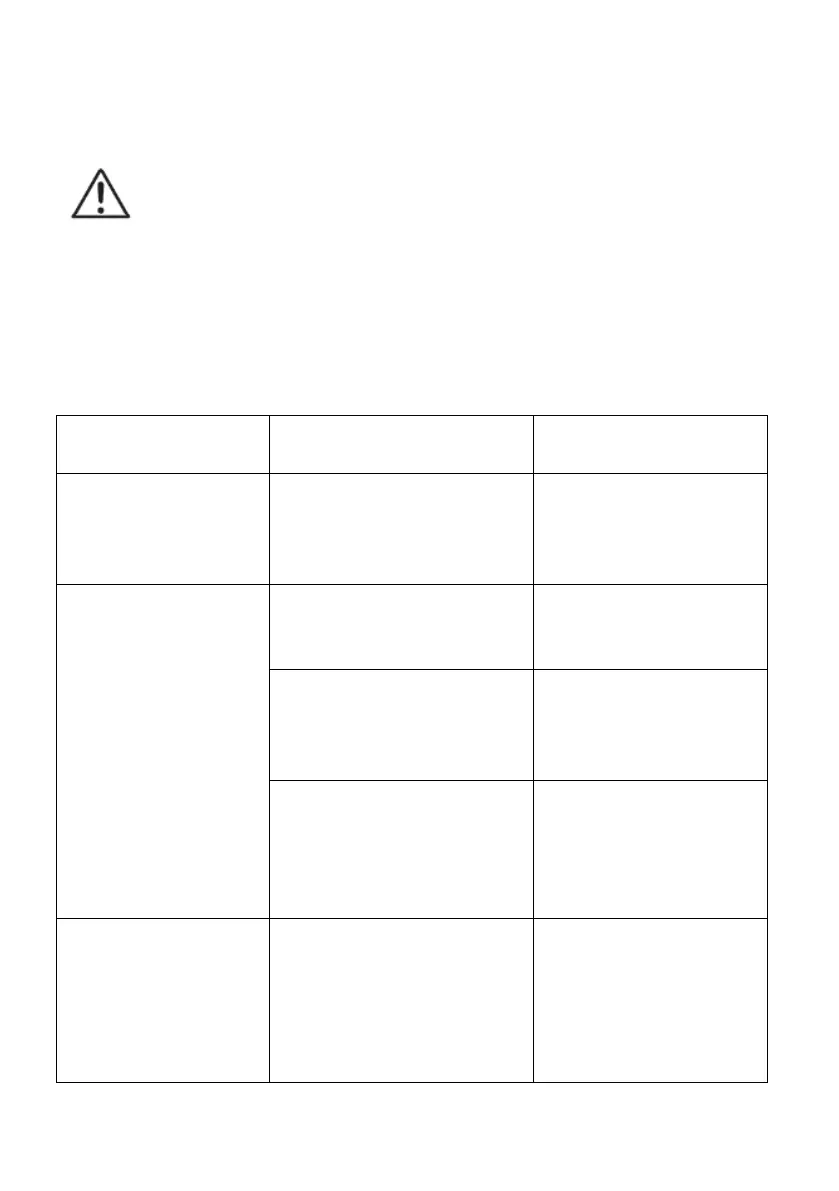
Troubleshooting
WARNING
! Before performing any
repair work, always ensure that the
battery pack has been removed.
WARNING
! Always wear heavy-duty
gloves when adjusting or cleaning,
especially when handling sharp
objects.
Fault
Possible cause
Solution
The LED
indicator is
red.
The power is low.
Charge the
battery pack.
The battery pack
is out of power.
Charge the
battery pack.
The temperature
is too high.
Leave the nail
gun for a while
to cool down.
The LED
indicator flash
between
green and
red.
The nail/staple in
the magazine is
very few or no
nail/staple.
Fill more
nail/staple in.
The nail gun
jams.
Nail/staple jams.
Open the jam
nails remover
and take out
the jammed
nail/staple.
33
35
Table of Contents
Main Page
Table of Contents
2
Contents
2
General Safety Warnings
3
Warning Symbols
18
In the Box
20
Operation
21
Maintenance and Storage
33
Troubleshooting
34
Technical Data
35
Disposal
37
Warranty
37



 To Next Page