EasyManua.ls Logo

PowerDrive Plus PWD3000P - User Manual

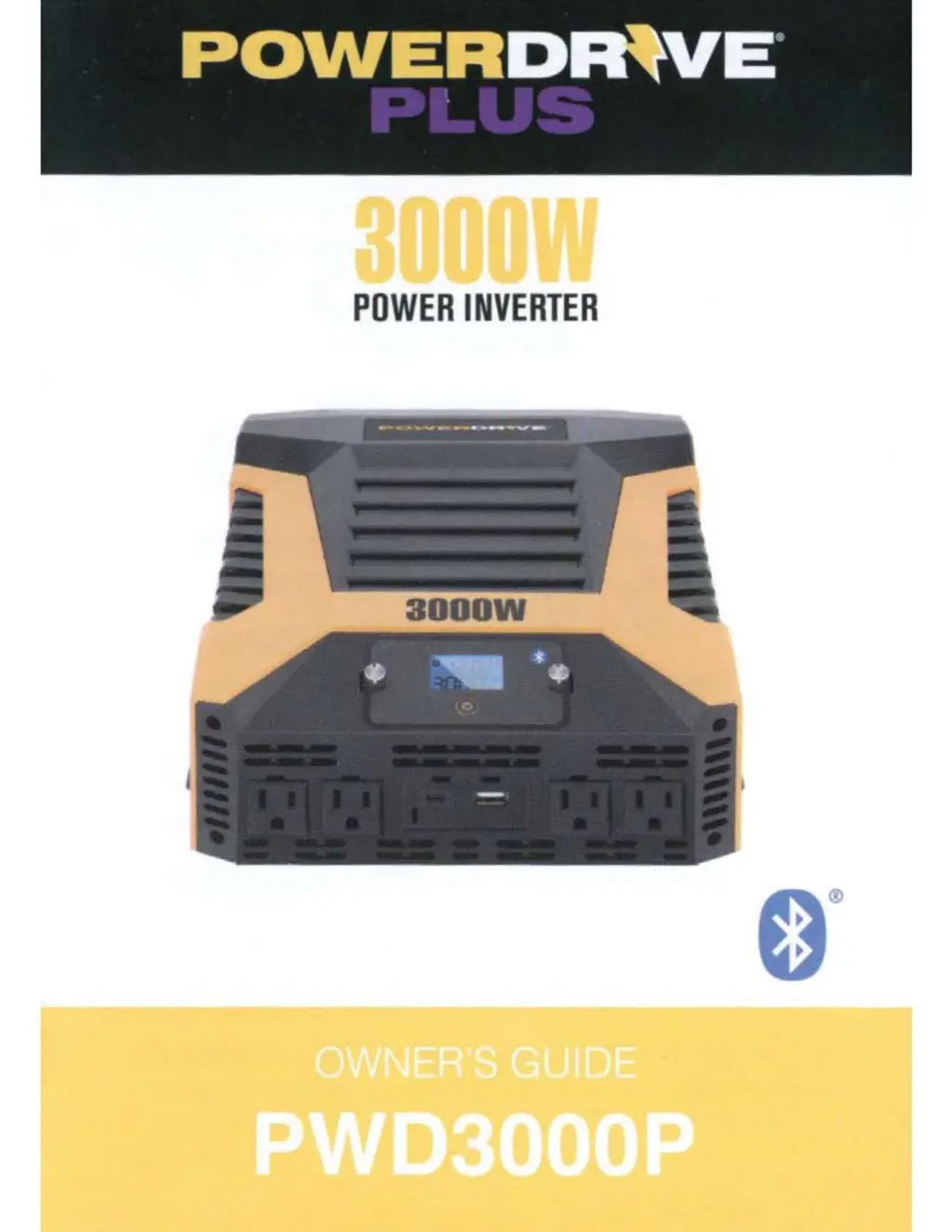
PowerDrive Plus PWD3000P
23 pages
Print Icon
To Next Page IconTo Next Page
Loading...
w
POWER
INVERTER
I

Questions and Answers

  • M
    morrismelissaJul 29, 2025
    What to do if my PowerDrive Plus PWD3000P has low or no output?
    • L
      Louis JohnsonJul 29, 2025
      If your PowerDrive Plus Inverter has low or no output, it could be due to poor contact at the terminals. Try disconnecting and reconnecting the 12V voltmeter to test the output voltage. Also, ensure you are using the correct type of voltage by using a true RMS reading meter.
  • M
    Mrs. Michelle CookAug 7, 2025
    Why is the LCD backlight on my PowerDrive Plus PWD3000P Inverter red?
    • M
      Mary OrtizAug 8, 2025
      A red LCD backlight on your PowerDrive Plus Inverter can indicate several issues. You can try the following: * Recharge or replace the battery. * Use a higher capacity inverter or decrease the load on the inverter. * Allow the inverter to cool. * Check for adequate ventilation. * Reduce the load on the inverter to the rated continuous power output.
  • A
    April SimonAug 18, 2025
    What to do if a device doesn't operate properly when first connected to the PowerDrive Plus PWD3000P?
    • G
      Gregory SimsAug 19, 2025
      If a device doesn't operate properly when first connected to the PowerDrive Plus Inverter, the inverter may not have the required capacity to operate the device. Try pressing and holding the ON/OFF button to turn the inverter off and on, which will reset it.

Summary

IMPORTANT SAFETY INSTRUCTIONS

CONNECTING INVERTER CABLES

Connecting Power Cables to Inverter

Instructions for attaching battery cables to inverter terminals.

OPERATING INSTRUCTIONS

Inverter Operation Steps

Procedure for powering on, connecting devices, and powering off.

LCD SCREEN AND FAULT CODE

Low-Voltage and High-Voltage Protection

Explains protection modes for low and high input voltage.

Overload, Overheat, and Short Circuit Protection

Details fault conditions for overload, overheat, and short circuits.

About the Bluetooth APP

OPERATION INTRODUCTION

PROTECTION AND ALARM

MAINTENANCE AND STORAGE INSTRUCTIONS

TROUBLESHOOTING

Troubleshooting Output and Display Issues

Solutions for low voltage, no output, and red LCD backlight problems.

Troubleshooting Device Operation

Resolving issues when connected devices do not operate correctly.

SPECIFICATIONS

PowerDrive Plus PWD3000P Specifications

General IconGeneral
Power Output3000W
Surge Power6000W
Input Voltage12V DC
Output Voltage120V AC
Output WaveformModified Sine Wave
Frequency60 Hz
Efficiency90%
USB Ports2
Protection FeaturesShort Circuit
CoolingFan