6/8
NO. Range Default Description
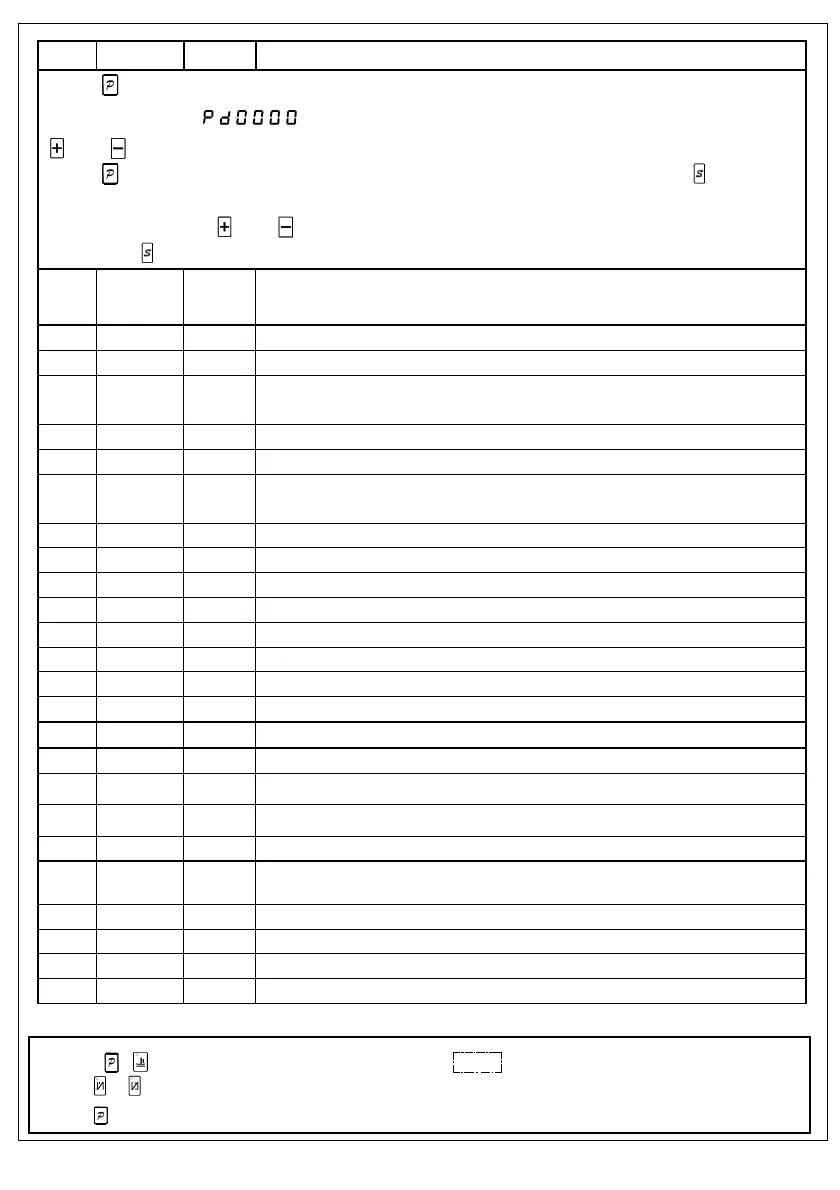
1、Press
P
key can modify the administrator parameter table;
2、The digital tube display
,It is required to enter password to the administrator mode. Press the corresponding
key and key to change the password value;
3、Press
P
key, If the password is correct, that is to enter the technical parameters set mode,show P2XX.Press key, the current
parameter value is displayed;
4、Press the corresponding
key and key to change the parameter value or selection parameter number;
5、At last press
key to exit parameter setting mode,return to sewing work mode.
200 0/1/2 0
Trimming mode selection:0: lockstitch machine1: interlock machine: Needle stops at the up
position and trim. 2: overlock machine: manual trimming
201 0~359 0 Mechanical angle after trimming
203 5-359 10 Trimming output start angle TS (down needle position angle as the reference point)
204 10-359 120
Trimming output end angle TE (Down needle position angle is the reference and this value
should be bigger than TS)
20A 10-60 20 Motor torque improvement coefficient during trimming
211 5-359 25 Thread release output start angle LS (down needle position angle as the reference point)
212 10-359 350
Thread release output end angle LE (Down needle position angle is the reference and this
value should be bigger than LS)
213 1-999 1 Thread release output start delay time T1 (ms)
214 1~999 10 Thread release output end delay time T2 (ms) after up needle position
215 0/1 1 Wiper function 0: disable 1: enable
216 1~999 10 Wiper output delay time (ms)
217 1~9999 70 Wiper output time (ms)
219 0/1 0 Thread clamp function 0: disable 1: enable
21A 10-359 120 Thread clamp start angle
21B 11-359 318 Thread clamp end angle
21E 11-359 160 The angle of presser foot solenoid off during thread clamping
220 200~360 360 Stop position after trimming (motor can stop with a reverse angle)
231 0/1 0 Auto test mode: 0: stitches mode 1: time mode
232 0~1000 300 Safe switch filtering time (ms)
234 0/1 0 Motor direction: 1: CCW 0: CW
240 0~9999 1000 The ratio between motor and machine (1000 stands for 1:1)
242 0~359 0 Up needle stop angle (After detecting the synchronizer signal)
243 0~359 175 Down needle stop angle
244 0~800 200 Running delay time when presser footer comes down (ms)
247 0~2000 0 The alarm time for adding oil (hours), disabled when setting 0
3.3 Monitor mode
1. Pressing
P
+ ke to enter monitor mode.The digital tube will display
2 4 0 0 0 0
.
2. Press
and key to adjust the parameter number, and the para value is shown at the same time.
3. Press
P
key then return to normal sewing mode.


 To Next Page
 Loading...