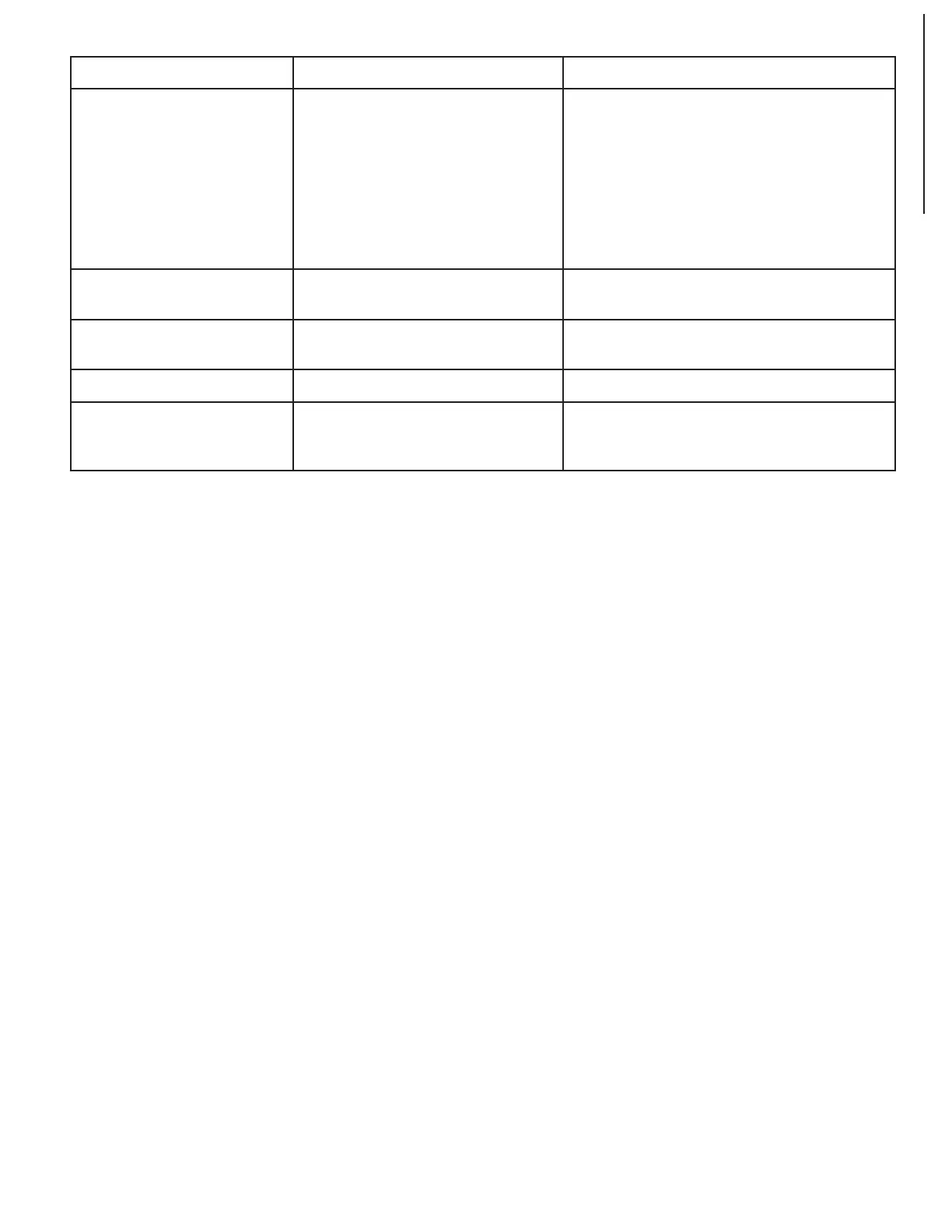
SYMPTON POSSIBLE CAUSE(S) SOLUTIONS
Chain jumping 1. Worn chains
2. Worn Sprockets
1. Replace chains
2. Replace sprockets
Belt slipping Belt is loose Replace V-belt
Excessive fan noise 1. Loose fan assembly
2. Large wood chips stuck in fan
housing
1. Inspect fan assembly and tighten fan screws
2. Turn machine off, remove blade guard, and
clean the chamber
Difficulties in adjusting
rollercase elevation
1. Worn elevation screws
2. Dirty elevation screws or columns
3. Dirty chains or sprockets
4. Rollercase is not positioned level
with planer base
5. Friction between rollercase and
covers
1. Release rollercase lock
2. Replace elevation screws
3. Clean and lubricate elevation screws and
columns
4. Clean and lubricate chains and sprockets
5. Adjust table and rollercase level properly
6. Clean and adjust rollercase
Wood thickness does not
match depth of cut setting
Indicator is not set correctly Adjust and tighten indicator properly
11
TROUBLESHOOTING


 To Next Page