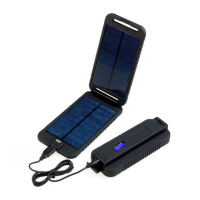
TURN ON/OFF CHECK CHARGE CHARGE A DEVICE RECHARGING DISCOVERY
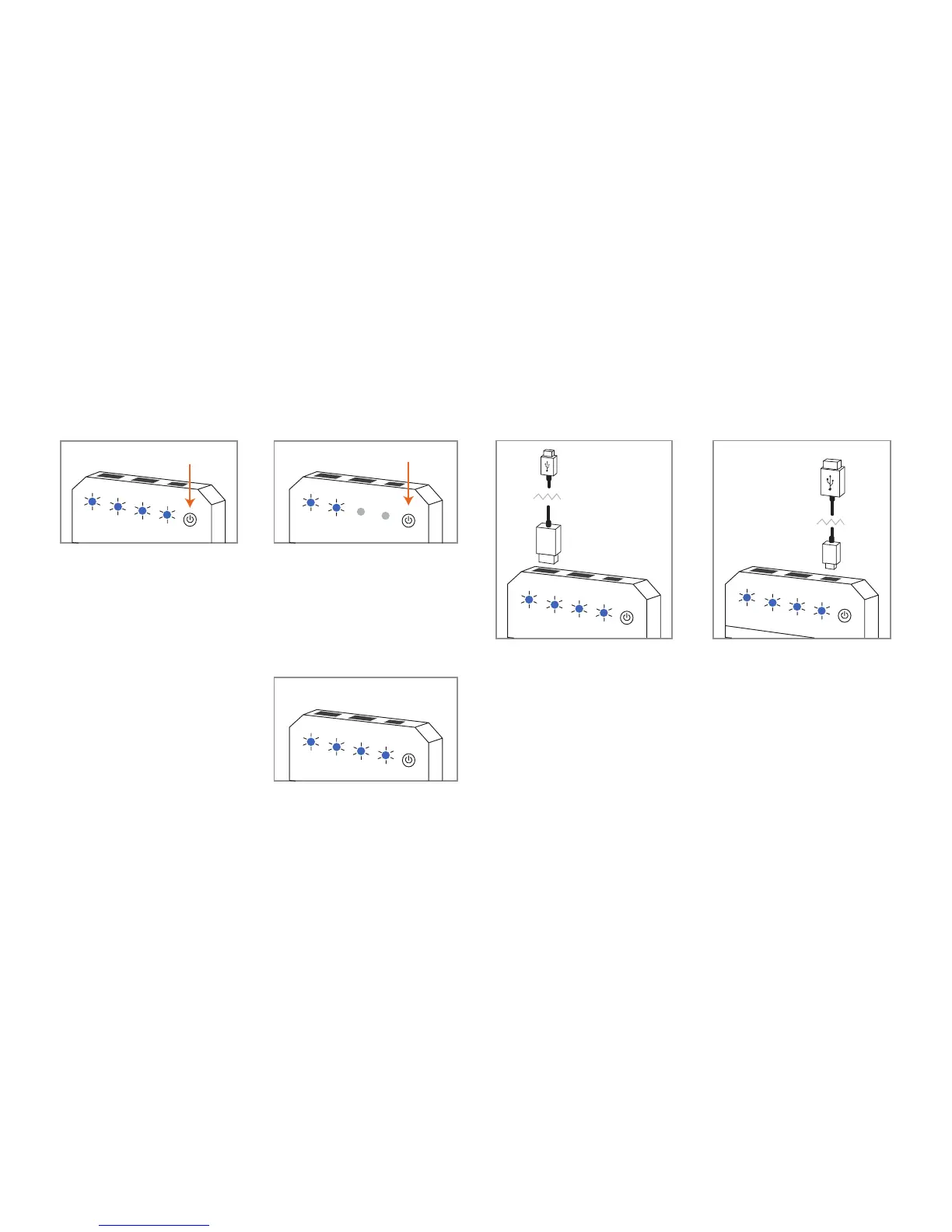
To activate/deactivate the discovery,
press the button once to turn it on and
twice to turn it o if required.
Discovery turns on automatically
when a device is connected and turns
o when no device is connected. The
blue LEDs will light up.
Always turn the discovery o when
not in use to conserve power.
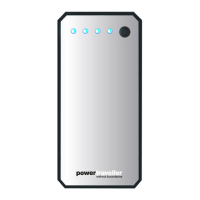
While the discovery is turned o,
click the on/o button briey. The
blue LEDs will illuminate and the
number of lights will indicate the
amount of charge remaining.
Each illuminated light represents
25% of power.
If the far left ashes blue, the
discovery requires charging.
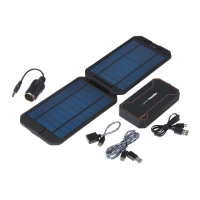
Connect the included cable to a
5V USB output socket (e.g. a
laptop or wall plug with USB
socket) and connect the micro
USB end into the micro USB
socket on the discovery. A full
charge will take approx. 6 hours
depending on the output of the
USB port.
When fully charged, all 4 LEDs
will be solid blue.
Attach any USB cable to either of
the USB output sockets, USB port
marked ‘5V 2A QC’ is with quick
charge. Then connect the cable to
the device that you wish to charge.
Once your device is fully charged, the
discovery will automatically turn o.


 To Previous Page
 Loading...