User Manual
12
en
5 FIRST STEPS
5.1 Start-up
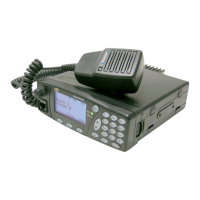
In the case of the DT-410, switch on the equipment with the main switch at the back of the
device.
1. Keep the key pressed to switch the equipment on or off.
2. On starting-up, it will display a welcome message (which can be configured by
programming). The software version of the equipment and the user’s name and address
will also be displayed for a few seconds.
3. If the equipment requests a PIN, enter the 4-digit code (by default the code is 0000),
which will appear on screen as ****, and press OK. It is recommended to change this
code for a safer one that you are able to remember.
4. If the user does not enter a correct PIN code after a number of permitted tries (which can
be configured, 3 attempts by default), the equipment will be locked until the personal
unlocking code - PUK - is entered (a 10-digit code). This code is provided by your
Service Provider.
5. When switching off the equipment, it will display a switch-off message and an acoustic
warning.
In the case of the DT-410, once the equipment has switched off completely at the front, you
can proceed to turn off the main switch at the rear.


 To Next Page