EasyManua.ls Logo

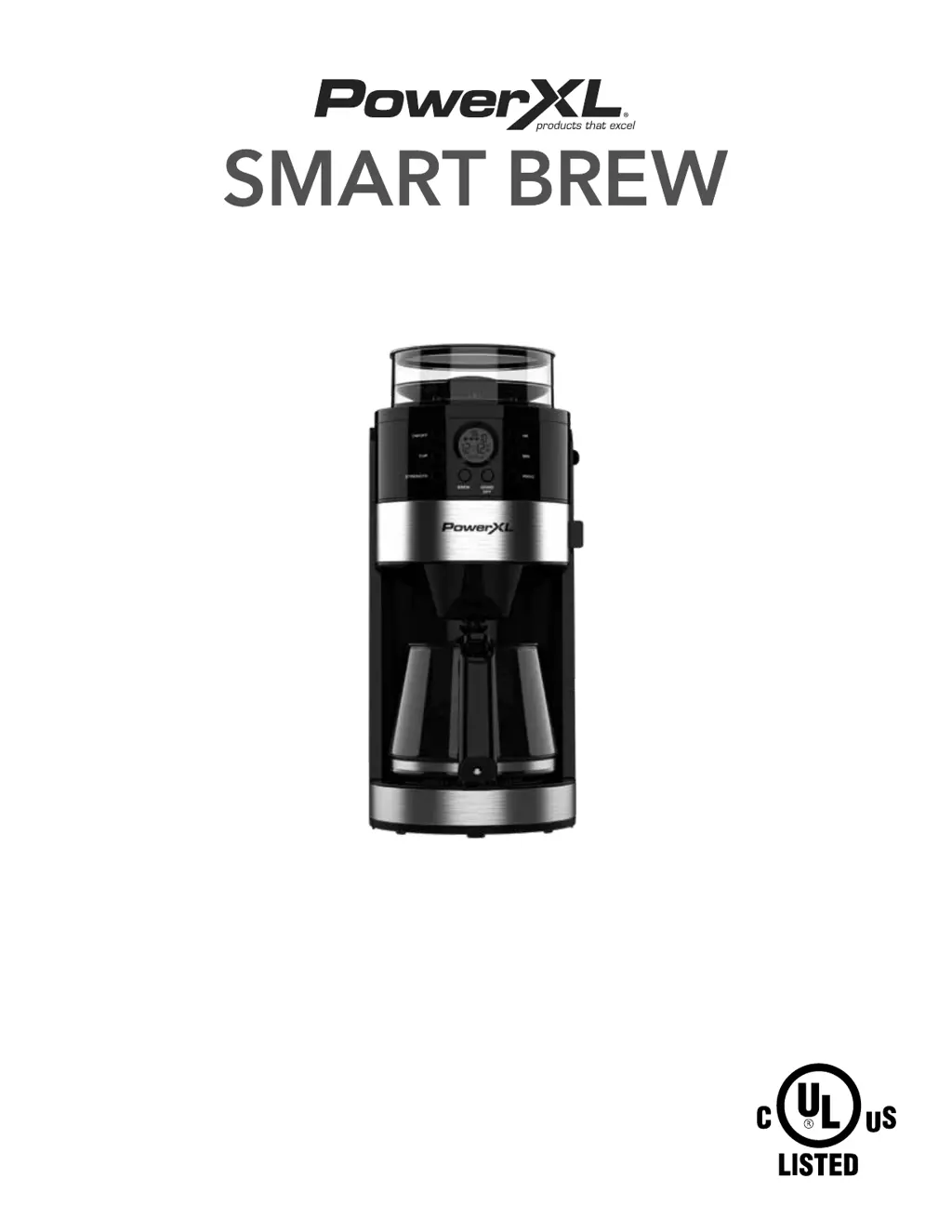
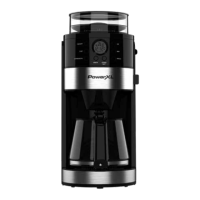
PowerXL SMART BREW - User Manual

PowerXL SMART BREW
12 pages
Print Icon
To Next Page IconTo Next Page
Loading...
Owner’s ManualOwner’s Manual
SAVE THESE INSTRUCTIONS – FOR HOUSEHOLD USE ONLY
MODEL: CM917
When using electrical appliances, basic safety precautions should always
be followed. Read this manual thoroughly before using this appliance.

Questions and Answers

  • J
    Joyce ChristensenAug 12, 2025
    Why is my PowerXL SMART BREW not turning on?
    • T
      Tanya ValdezAug 12, 2025
      If your PowerXL Coffee Maker isn't powering on, make sure it's plugged into a working electrical outlet. Also, check that the door covering the Filter Holder is completely closed.
  • C
    Christopher KerrAug 16, 2025
    What to do if my PowerXL Coffee Maker is brewing slowly?
    • M
      Matthew CarsonAug 16, 2025
      If your PowerXL Coffee Maker is brewing coffee too slowly, producing excessive steam, or not using all the water in the tank, it likely needs cleaning. Descale the appliance following the descaling instructions. You might need to repeat the cleaning cycle if there's significant build-up.
  • D
    David RhodesAug 19, 2025
    What does error code E8 mean on PowerXL SMART BREW?
    • M
      Michael DunnAug 19, 2025
      If your PowerXL Coffee Maker displays Error Code E8, it means the door on the front isn't closed properly. Make sure the door is fully closed.
  • J
    Julia MillerAug 23, 2025
    How to stop coffee from overflowing in PowerXL SMART BREW Coffee Maker?
    • S
      Sherry HuffmanAug 23, 2025
      If your PowerXL Coffee Maker has coffee overflowing out of the brewing basket, try the following: * Increase the coffee grind size. * Ensure the paper filter fits flat against the Filter Holder’s walls. * Decrease the amount of coffee and strength you are using.
  • S
    sarahmartinezAug 27, 2025
    What does error E6 mean on my PowerXL Coffee Maker?
    • R
      reyesvictorAug 27, 2025
      If your PowerXL Coffee Maker is showing Error Code E6, it indicates that the Filter Slot needs cleaning. Clean the Filter Slot.
  • X
    xcunninghamAug 31, 2025
    Why is my PowerXL Coffee Maker coffee weak?
    • M
      Monique RubioAug 31, 2025
      If the coffee from your PowerXL Coffee Maker is weaker than usual, make sure you're using enough coffee beans or pre-ground coffee in the Coffee Bean Box before starting the brewing process.
  • C
    Cathy WilliamsSep 3, 2025
    Why is my PowerXL SMART BREW Coffee Maker not grinding beans?
    • A
      Anthony WalkerSep 3, 2025
      If your PowerXL Coffee Maker isn't grinding beans, it could be that the Coffee Bean Box is too full. Turn off the appliance and remove some of the coffee beans or pre-ground coffee from the Coffee Bean Box.
  • C
    Chris HardingSep 7, 2025
    How to reduce sediment in PowerXL SMART BREW Coffee Maker coffee?
    • D
      Diana MillerSep 8, 2025
      If you find coffee sediment in your brewed coffee from the PowerXL Coffee Maker, the coffee beans may have been ground too finely, or too much coffee was used. Try increasing the coffee grind size, using a paper filter instead of the permanent filter, and/or decreasing the amount of coffee and the strength setting.

Summary

Important Safeguards

General Safety Precautions

Essential safety guidelines for preventing injuries and hazards during appliance use.

Control Panel Overview

Instructions for Use

General Operating Instructions

Guidance on standard coffee brewing procedures and settings.

Care and Cleaning

Appliance Cleaning Procedures

Steps for regular cleaning of the coffee maker after each use.

Troubleshooting

Problem Resolution Guide

Solutions for common issues encountered with the coffee maker.

Error Code Explanations

Meaning and solutions for specific error codes displayed by the appliance.

PowerXL SMART BREW Specifications

General IconGeneral
Capacity12 Cups
ProgrammableYes
Auto Shut-offYes
Keep Warm FunctionYes
Brew Strength ControlYes
Water Level IndicatorYes
Pause and ServeYes
TypeDrip Coffee Maker
Water ReservoirRemovable
Filter TypePermanent Filter
ColorBlack

Related product manuals