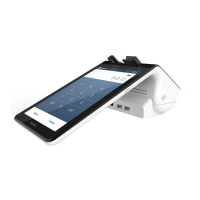
NFC (DIGITAL WALLET) SALE
For a sale where the customer is using tap-to-pay (i.e. their
digital wallet), follow these steps:
1.
Tap on the “Terminal” icon on the merchant display.
2.
Enter the sale amount and press
CHARGE.
3. Customer should activate their mobile wallet and hold it
near the screen.
4. The customer can opt to have the receipt printed or sent
via email or SMS text.
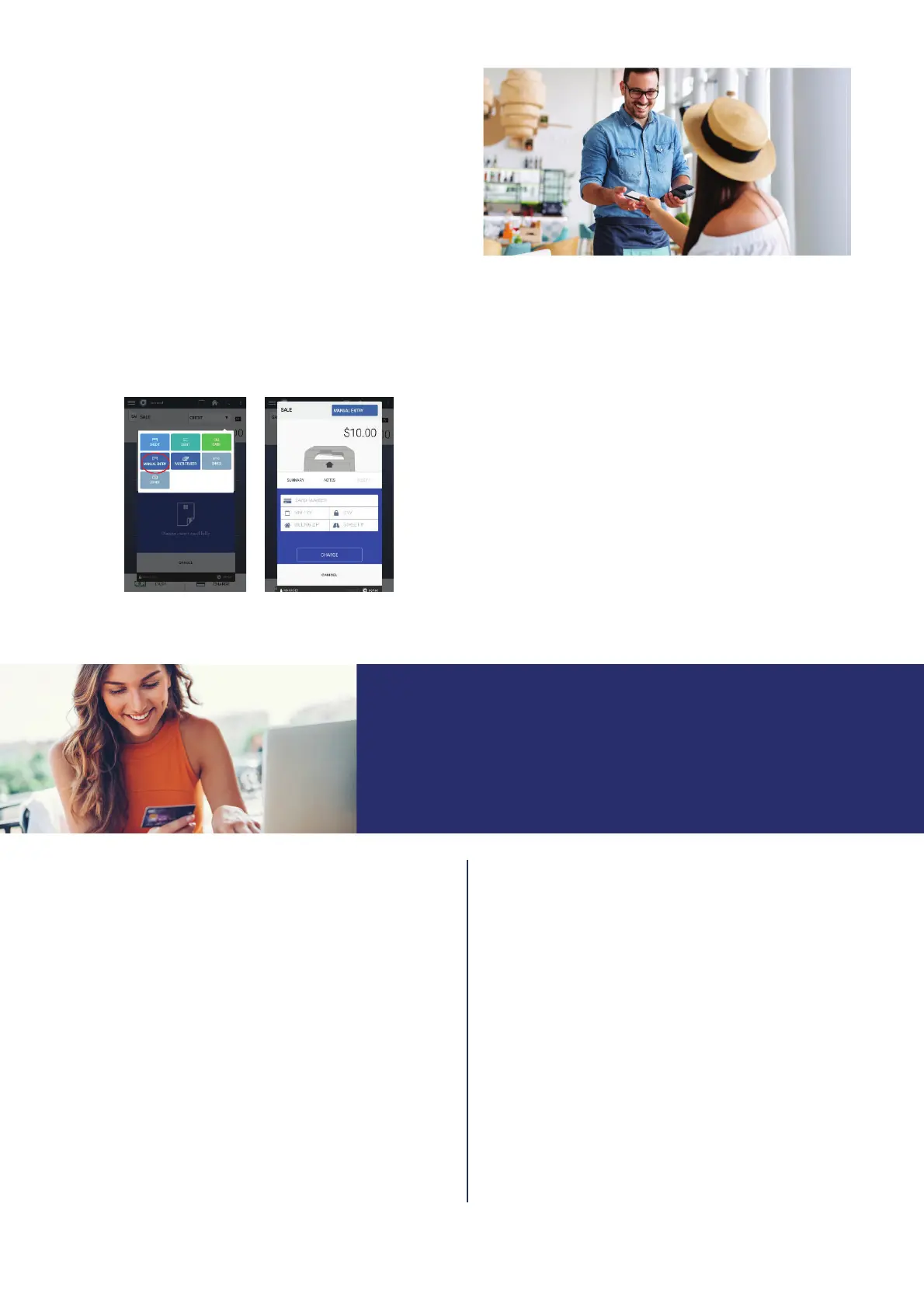
To manually enter a sale (i.e. where the card is not present),
follow these steps:
MANUAL ENTRY SALE
1. Tap on the “Terminal” icon on the merchant display.
2.
Enter the sale amount and press
CHARGE.
3. On the next screen, open the drop-down menu in the top
right corner and select MANUAL
ENTRY.
4. Enter
the CARD NUMBER, MM/YY
(expiration date),
CVV, billing address and any applicable NOTES.
5.
Finish the transaction by selecting CHARGE.
To return funds to a customer after a credit transaction
has settled, follow these steps:
REFUND OR RETURN
1. Tap the TERMINAL or TRANSACTIONS icon on the
home screen. If using the
Transactions app, skip step #2.
2.
Open the waffl
e menu (three lines) in the upper left corner
and select TRANSACTIONS.
3. Review the transaction records. Swipe left and select
REFUND or select the transaction and select REFUND.
4.
The terminal will display the Paid
Amount. Key in the
refund amount and press REFUND.
5. The terminal screen will display the refund amount. Select
DONE.
VOIDING A TRANSACTION
To void a sale in the transaction list that has not yet settled,
follow these steps:
1. T
ap the TERMINAL or TRANSACTIONS
icon on the home
screen. If using the
Transactions app, skip step #2.
2.
Open the waffl
e menu (three lines) in the upper left corner
and select TRANSACTIONS.
3. Review the transaction records and select the transaction
you wish to void. Click VOID.
4.
When asked to confi rm the amount to void, click YES.
5. Click CLOSE. It may take 1-3 business days for the
amount to be released to the customer
’s
account.
VOID OR RETURN?
When you VOID a sale, you are preventing the original sale from being
captured. A RETURN OR REFUND is an off setting sale that runs
separately for a sale that has already settled.
© 2023 Elavon, Inc. All rights reserved. Elavon is a trademark in the United States and/or other countries. This information is prepared by Elavon as
a service for its customers. All features and specifi cations are subject to change without notice.


 To Next Page
 Loading...