4801V100-UK 11
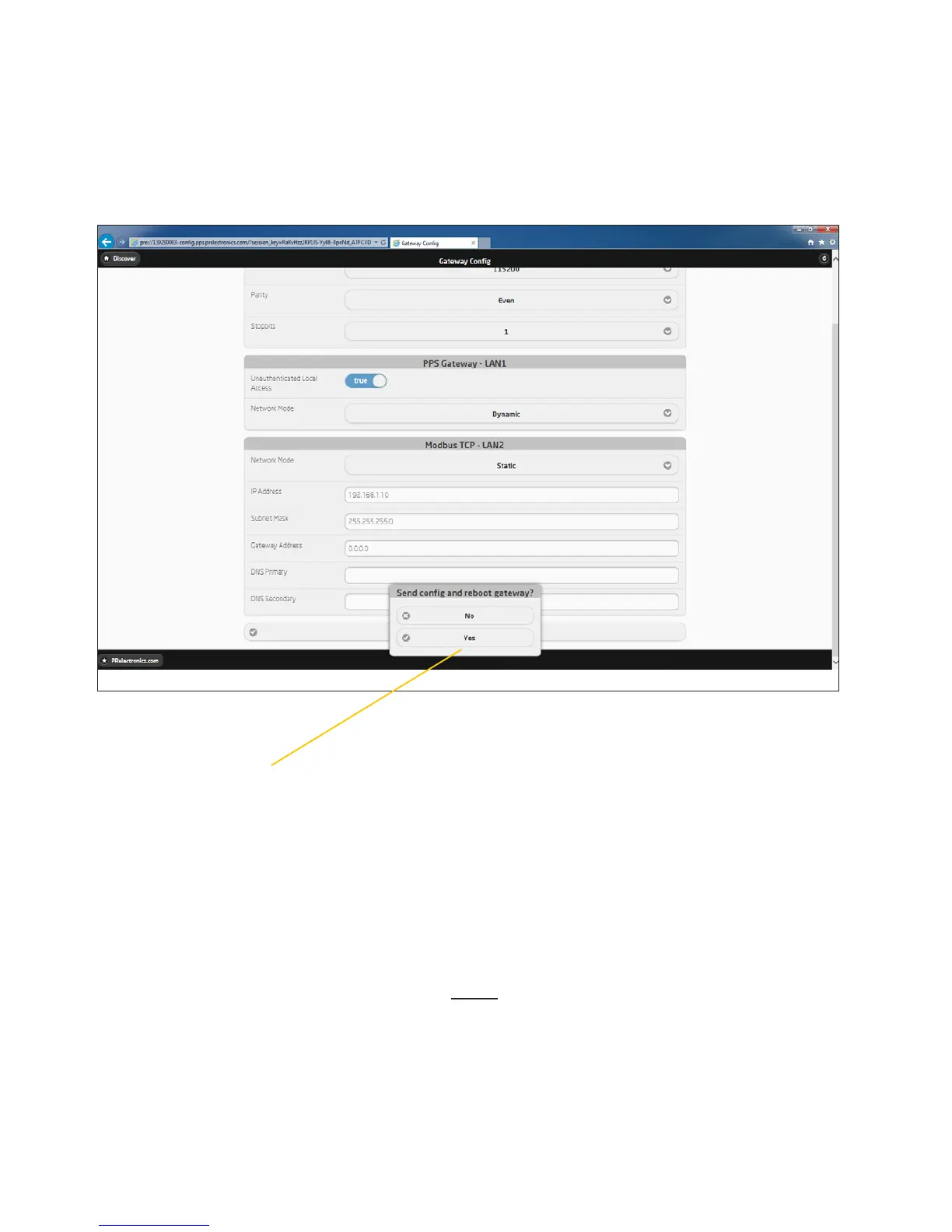
Press “Yes” - to confirm and use the new settings.
The 4801 gateway will now reboot.
Connect the LAN2 port - on the 4801 gateway - to the
local network, by using a standard Ethernet cable.
You can now - use TCP/IP communication from any device,
connected to the local network.
Please note - it is now only possible to access the
configuration via your local network.
Change from point to point communication
to LAN communication



 To Next Page