Prec”Ice” IceTec8 System
Page 4
Rev. 1.3, 10/15/08
Copyright © 2008 by PrecIce Technology. All rights reserved.
identifiers. The configuration is done by connecting the IceTec8 to
the PC and loading the selected configuration from the PC via the
USB cable. Refer to the PC program operation later in this manual
for more detail.
Measuring the Ice Sheet
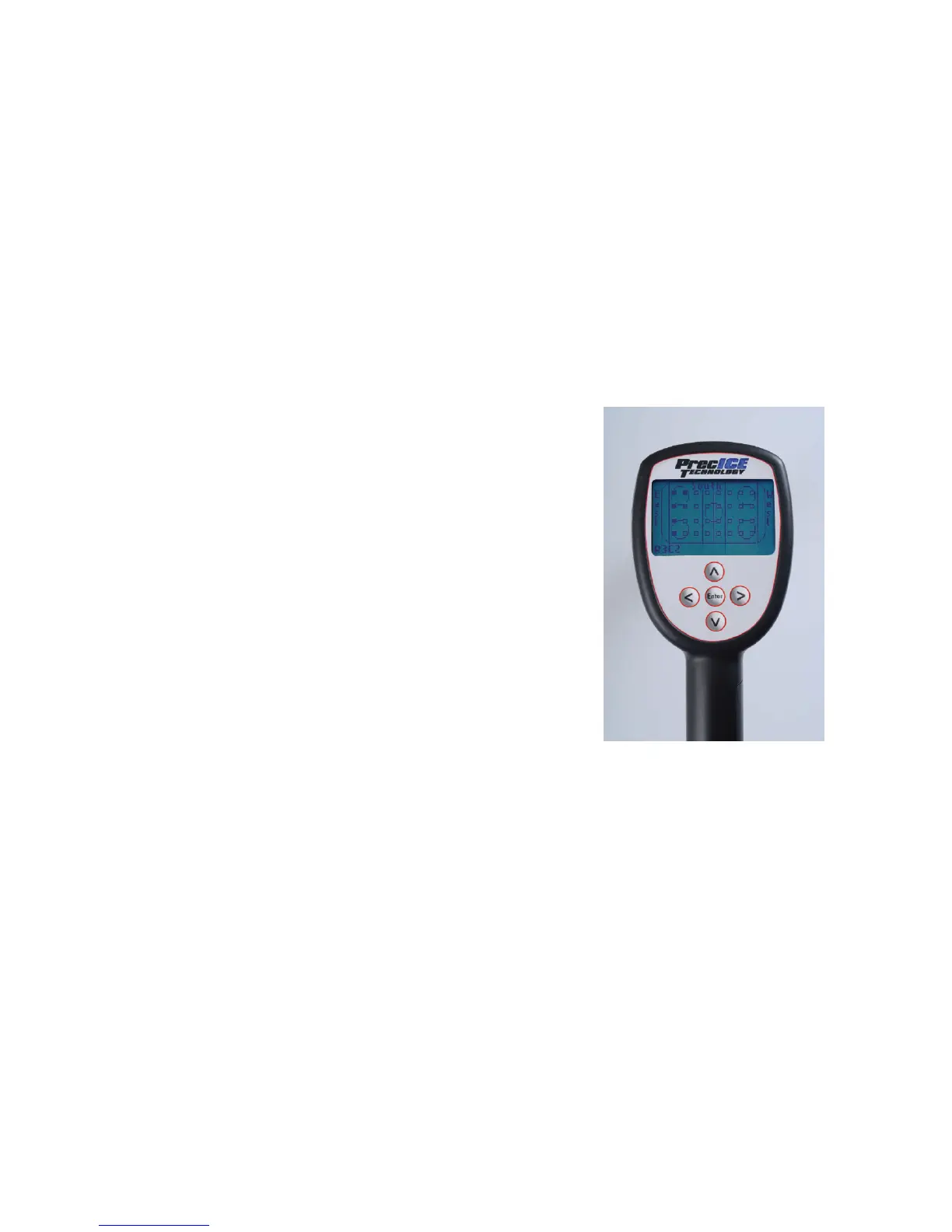
Turn on the IceTec8 by momentarily pressing the “Enter” button.
The LCD display will light up and a representation of the rink will
appear. The initial measurement location will flash. If all
measurement locations are not empty, they can be cleared by pressing
and holding the left and right arrow buttons simultaneously (see page
15).



 To Next Page