Installation and Operation Manual
1311 East Franklin Road, Suite 102
Meridian, Idaho 83642
Support: 1-888-254-1634
www.PreCiseMRM.com
a subsidiary of FORCE America
Copyright 2017
Sales: 1-888-449-0357
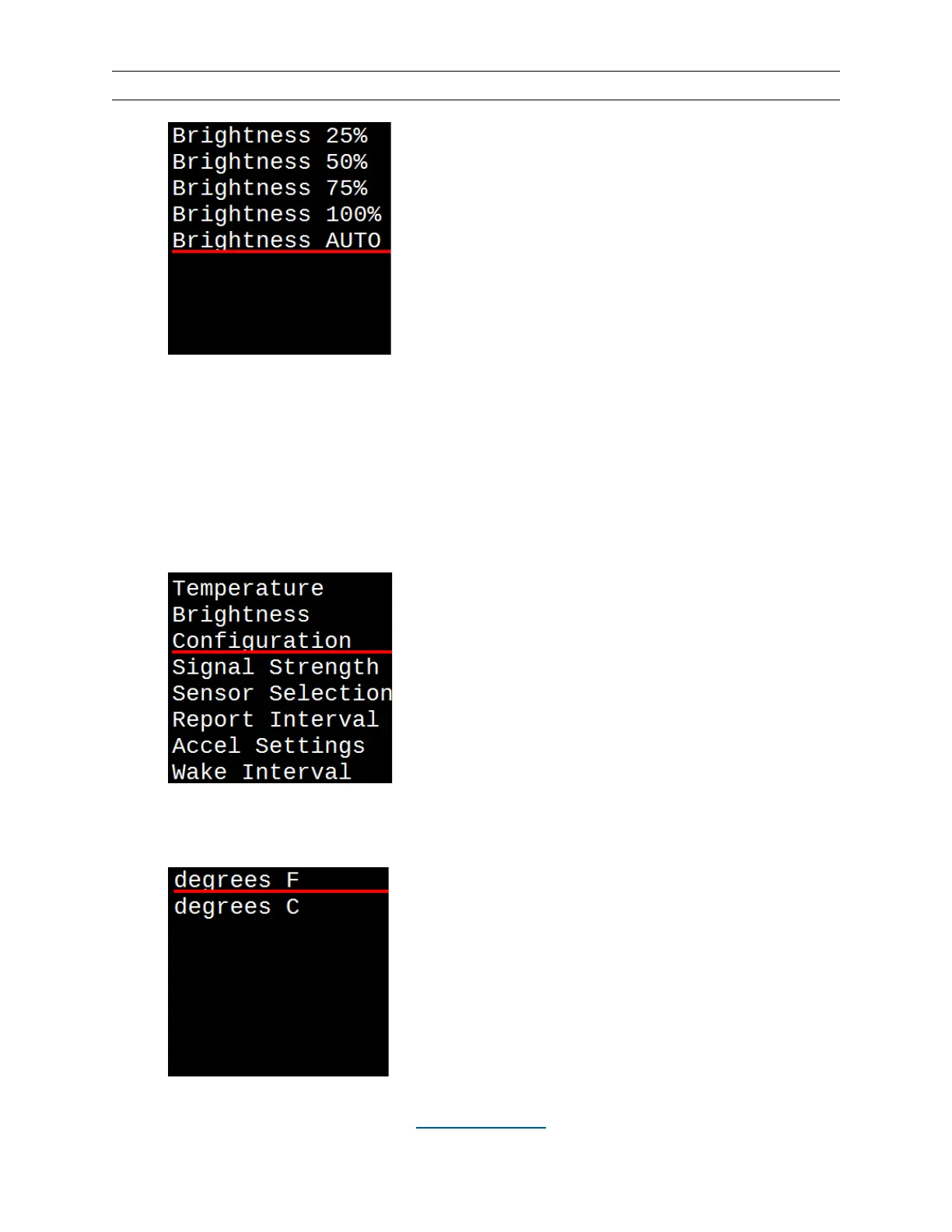
Units Configuration (°F or °C)
Once the configuration is selected, the setting is saved until the next time it is changed.
•
Hit the MENU button.
•
Use the UP (▲) and DOWN (▼) buttons to underline “Configuration”.
•
Hit the SELECT button, then underline the desired units and hit SELECT again.
This will take you back to the main display screen.


 To Next Page