Installation and Operation Manual
1311 East Franklin Road, Suite 102
Meridian, Idaho 83642
Support: 1-888-254-1634
www.PreCiseMRM.com
a subsidiary of FORCE America
Copyright 2017
Sales: 1-888-449-0357
frostpoint) and relative humidity. Note that it could take up to a couple of minutes
before data from a wireless sensor appears.
Brightness Control
The brightness of the display can be controlled in a few ways. Even after power is
removed from the display, it will remember the last setting.
•
From the main display screen, simply hit the UP (▲) or DOWN (▼) buttons to
increase or decrease the brightness.
•
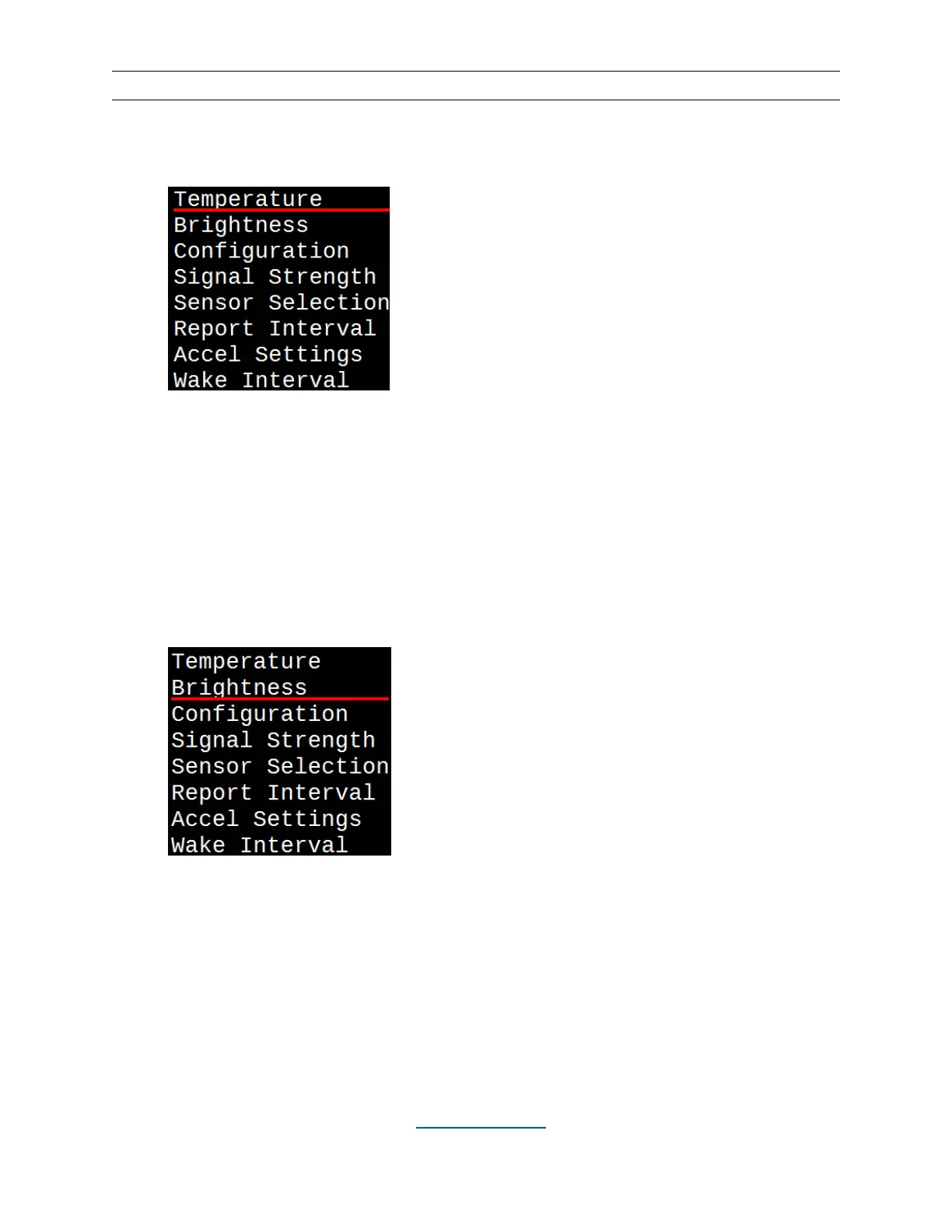
Alternatively, hit the MENU button, underline “Brightness”, and hit SELECT.
•
From this screen, you can select a set level or “Brightness AUTO”, which will
automatically adjust the brightness level based on ambient light conditions.
Underline your choice and hit SELECT. This will take you back to the main
display screen.


 To Next Page