EasyManua.ls Logo

Precision Medical PM Series - User Manual

Precision Medical PM Series
16 pages
Print Icon
To Next Page IconTo Next Page
Loading...
USER MANUAL
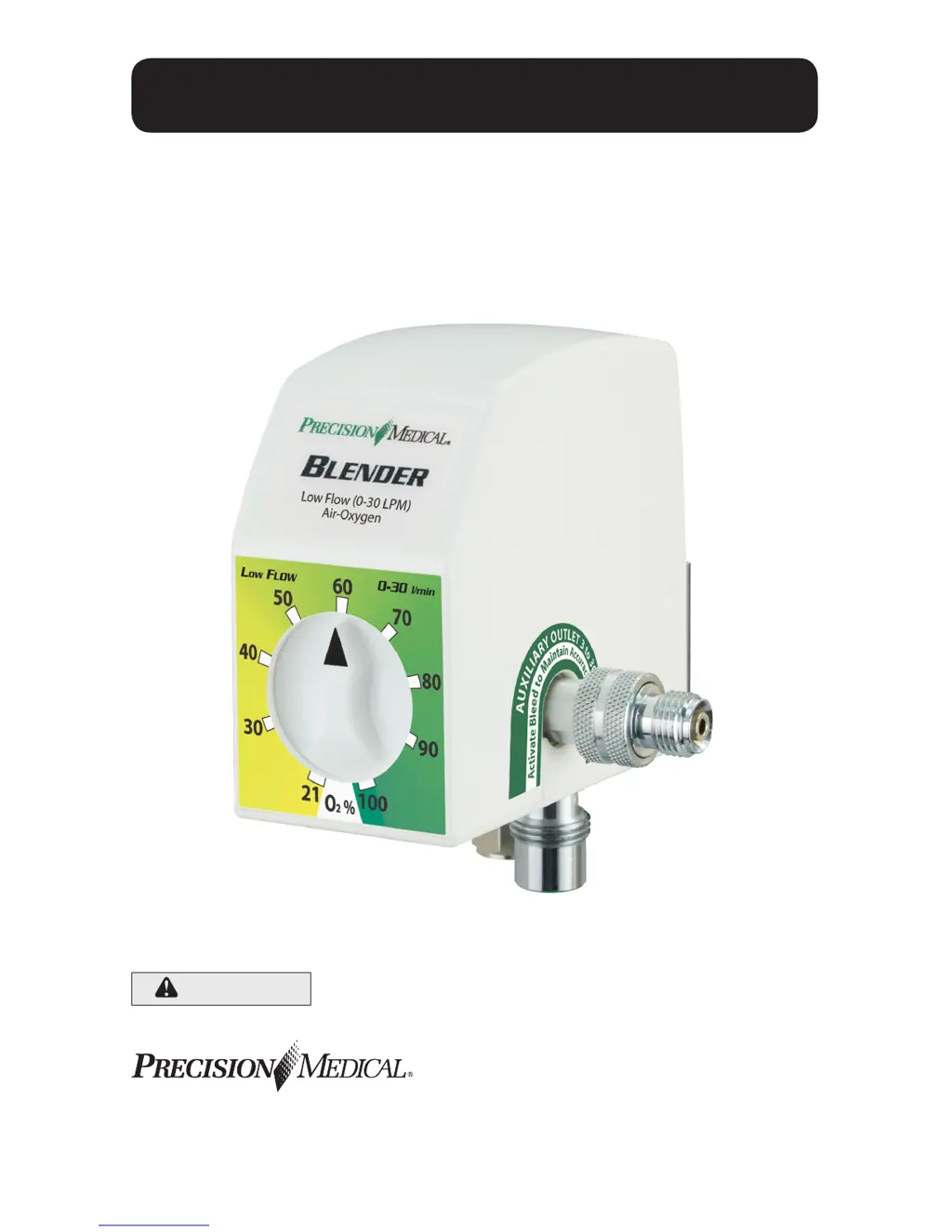
AIR-OXYGEN BLENDER
(DISS and NIST Connections)
Model No. PM5200 Series
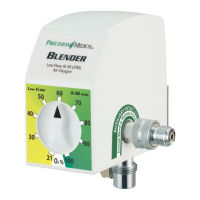
PM5300 Series (shown)
SAVE THESE INSTRUCTIONS
CAUTION
Federal (USA) law restricts this device to sale
by or on the order of a physician.
300 Held Drive Tel: (+001) 610-262-6090
Northampton, PA 18067 USA Fax: (+001) 610-262-6080
ISO 13485 Certied www.precisionmedical.com

Questions and Answers

  • R
    Roger HarrisAug 21, 2025
    What to do if there is no flow at the outlets of my Precision Medical Medical Equipment?
    • G
      Gregory PierceAug 21, 2025
      If there's no flow at the blender outlets, it could be due to these reasons: * The gas sources are turned “OFF”. Turn the gas sources “ON”. * The gas sources are not connected. Connect the gas sources.
  • R
    Ricky HaleyAug 30, 2025
    How to stop the alarm sounding on my Precision Medical Medical Equipment?
    • W
      williamstamiAug 30, 2025
      The alarm may sound if the difference between the oxygen and air inlet pressures is greater than specified. Correct the pressure difference until the air and oxygen pressures are within specification.
  • A
    armstronghollyNov 10, 2025
    Why is there an oxygen concentration discrepancy with my Precision Medical Medical Equipment?
    • T
      Tina SimmonsNov 10, 2025
      An oxygen concentration discrepancy between the blender setting and the analyzer/monitor (greater than 3%) may be due to several factors: * If using a High Flow model, the flow requirement might be below 15 l/min. Or, if using a Low Flow model, the flow requirement might be below 3 l/min. In this case, use the auxiliary outlet and engage bleed. * The analyzer/monitor could be inaccurate. Try recalibrating it or verify with a second analyzer/monitor. * A low flow bleed may be obstructed. Remove any obstruction. * The gas supply could be contaminated. Check gas sources with a calibrated Oxygen Analyzer/Monitor to confirm Oxygen is 100% and Air is 21%. * A downstream device might be causing back flow or restricted flow. Isolate the blender and check the oxygen concentration at the ...

Precision Medical PM Series Specifications

General IconGeneral
BrandPrecision Medical
ModelPM Series
CategoryMedical Equipment
LanguageEnglish

Related product manuals