955205_01 11/11 21
Miscellaneous
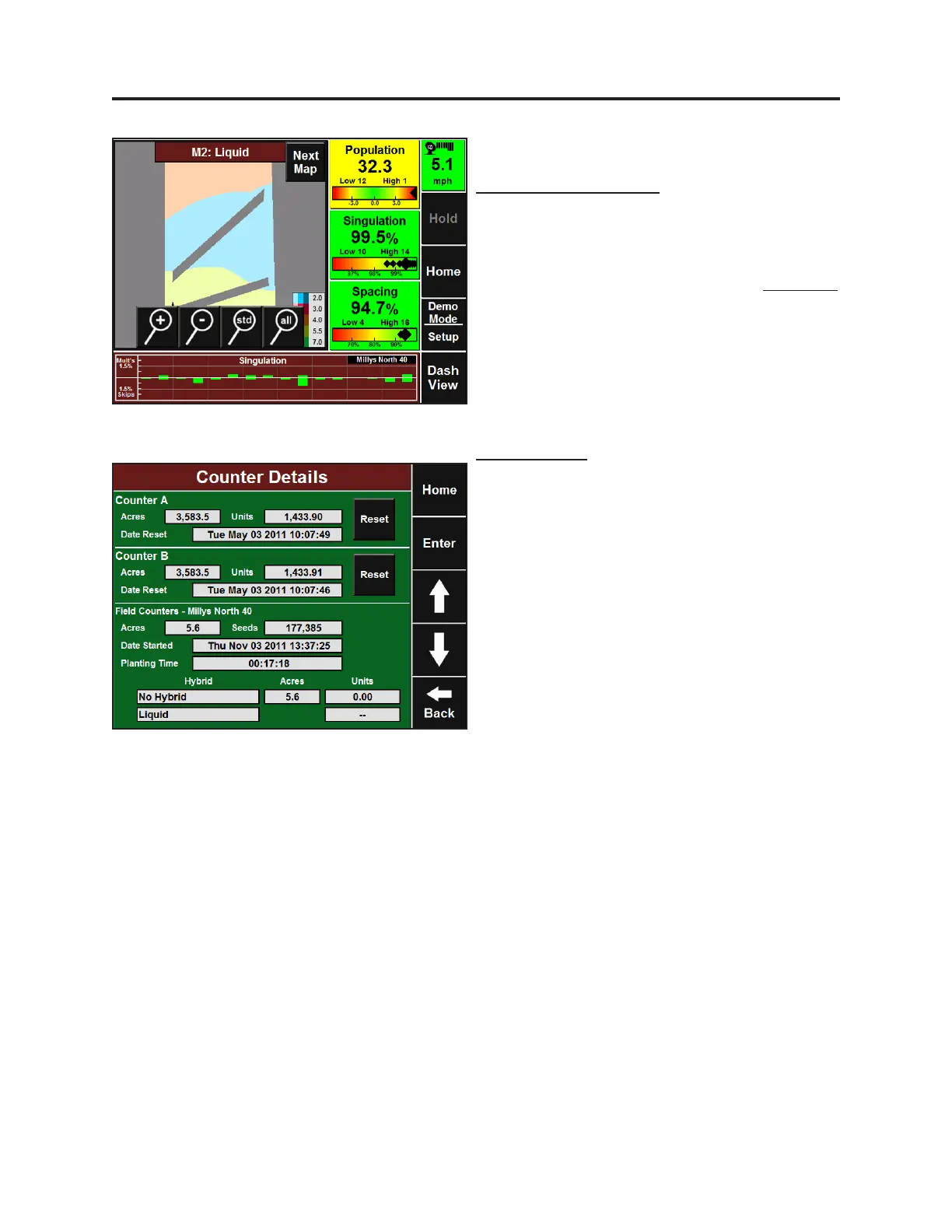
Total number of gallons is tracked per eld and
can be viewed by going to the Counter Details
page.
Post-planng maps showing Applied Rate,
Measured Pressure, and Commanded Rate will
be available when exported with all other
planng data.
Alerts specic to liquid applicaon can be
congured by going to Setup-Alerts-Liquid
Alerts. Here you can congure colors and
sounds for both the Home Screen and RowFlow
Liquid Control page.
Setup and Operaon (Planter)
Dashboard – Large Map
While the Large Map is up on the Home Screen,
you can toggle between a seeding map and
liquid map by touching the map, bringing up
the map menu. In the top right, press Next Map
to toggle. Note that the zone colors will not
change on the map, but the legend will.
Coverage will sll be based on seeding.



 To Next Page