Wind Assist
TM
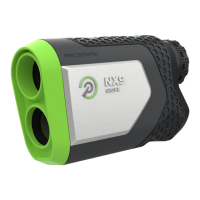
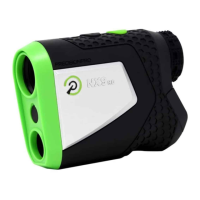
Ensure your rangefinder is on the
Laser Rangefinder Screen (Screen 1).
Real-time wind data from our app is
calculated before each shot.
1: A plus-sign (+) signifies the number
of yards to ADD to your distance.
A minus-sign (-) signifies how
many yards to SUBTRACT from
your distance.
2:
Charging your rangefinder
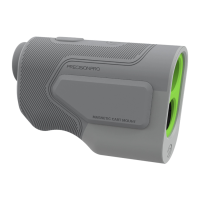
Your R1 Smart Rangefinder includes
a USB to USB-C charging cable.
1: Plug the charging cable into
the port on the rangefinder
located underneath the
adjustable eyepiece.
2:


 To Next Page