Open the Precision Pro Golf app
and go to the DEVICES tab.
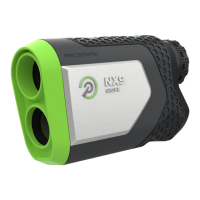
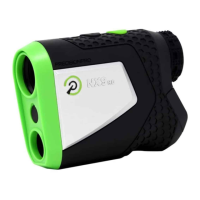
1: Under the R1 Smart Rangefinder,
select “Find My Precision Pro.”
2:
Find my Precision Pro Find my Precision Pro
The screen will show the location
where you were last connected to
your rangefinder.
3: Please note: you will need to have
first connected you R1 and will
need to have cell service for the
feature to function properly.
*
PING RANGEFINDER
Connection Successful


 To Next Page