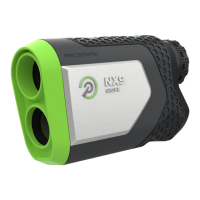
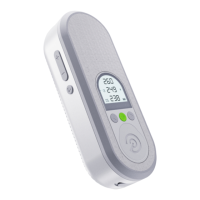
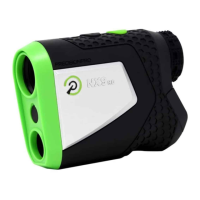
Ensure your rangefinder is on the
Laser Screen (Screen 1).
1: Press and hold the MODE button
for six seconds until the Yards/
Meters indicator changes from
Y to M, or vice versa.
2:
Yards / Meters Slope Switch
Slide the Slope Indicator switch
on the side of the rangefinder
forwards or backwards to turn
slope on and o.
1: Slope is activated when the green
is visible. Slope is turned o when
the green is not visible.
2:
OFF
ON


 To Next Page