Screens Screens
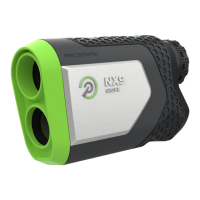
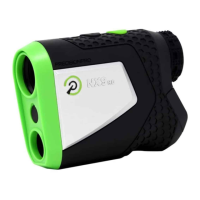
Press and release the MODE
button to switch between the
Laser Screen and the GPS Screen.
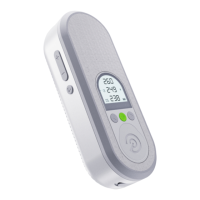
1: If a round of golf has been started
in the Precision Pro Golf app, the
GPS distances to the Front, Center,
and Back of the green will appear
on the GPS Screen.
2: Press and release the MODE
button again to switch the display
back to the Laser Screen.
3:


 To Next Page