UPGRADING YOUR COMPUTER - 1
UPGRADING YOUR COMPUTER
Installation precautions
Before you install any computer component, we
recommend that you read the following sections.
These sections contain important ESD
precautions along with pre-installation and post-
installation instructions.
ESD precautions
Electrostatic discharge (ESD) can damage your
processor, disk drives, expansion boards, and
other components. Always observe the following
precautions before you install a computer
component:
1.
Do not remove a component from its
protective packaging until you are ready to
install it.
2.
Wear a wrist grounding strap and attach it to
a metal part of the computer before handling
components. If a wrist strap is not available,
maintain contact with the computer
throughout any procedure requiring ESD
protection.
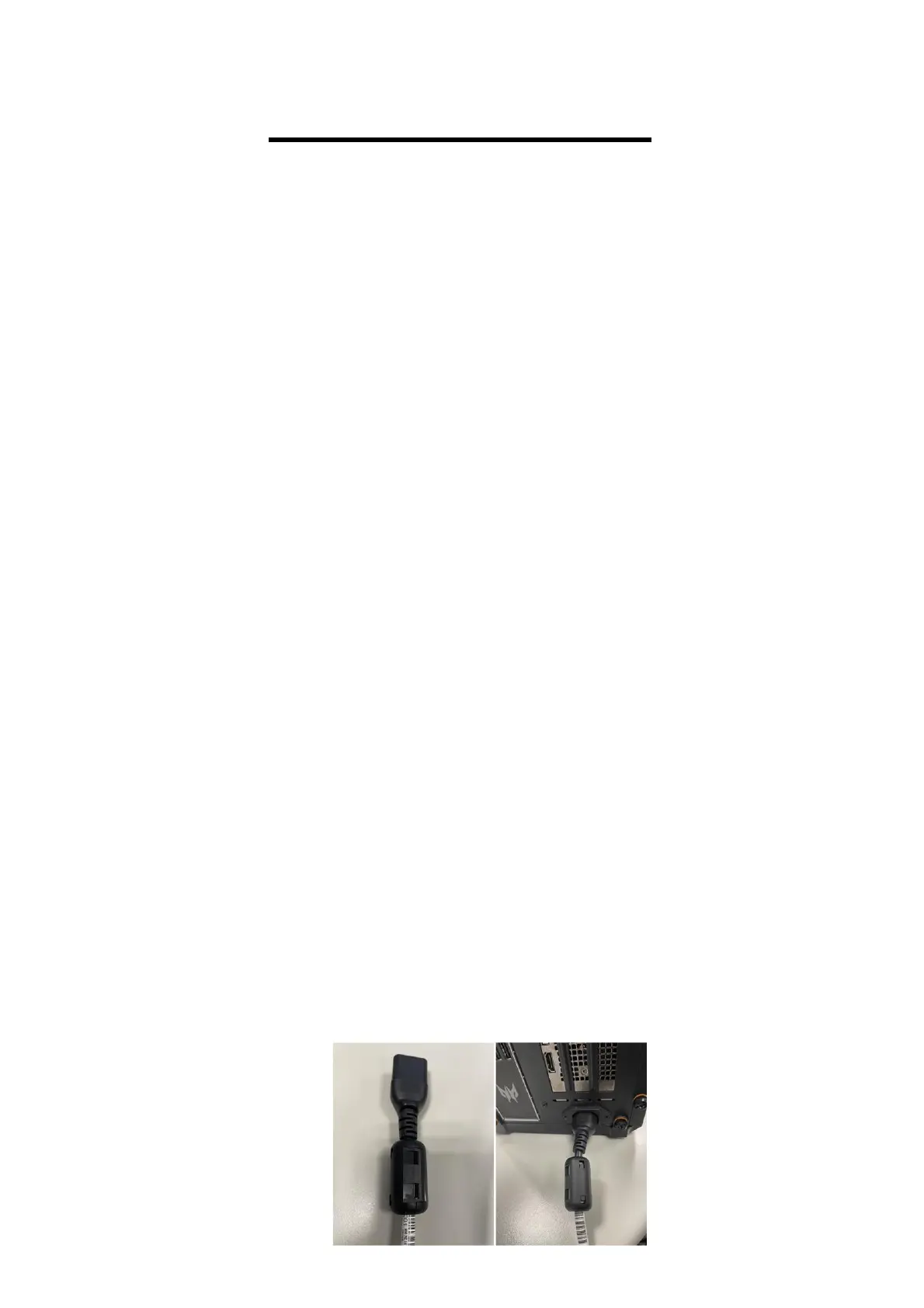
The EMI Core on the power cord is used to reduce
electromagnetic interference, please refer to the
following photos, and it must be installed before
using the product.



 To Next Page