4 - UPGRADING YOUR COMPUTER
Accessories
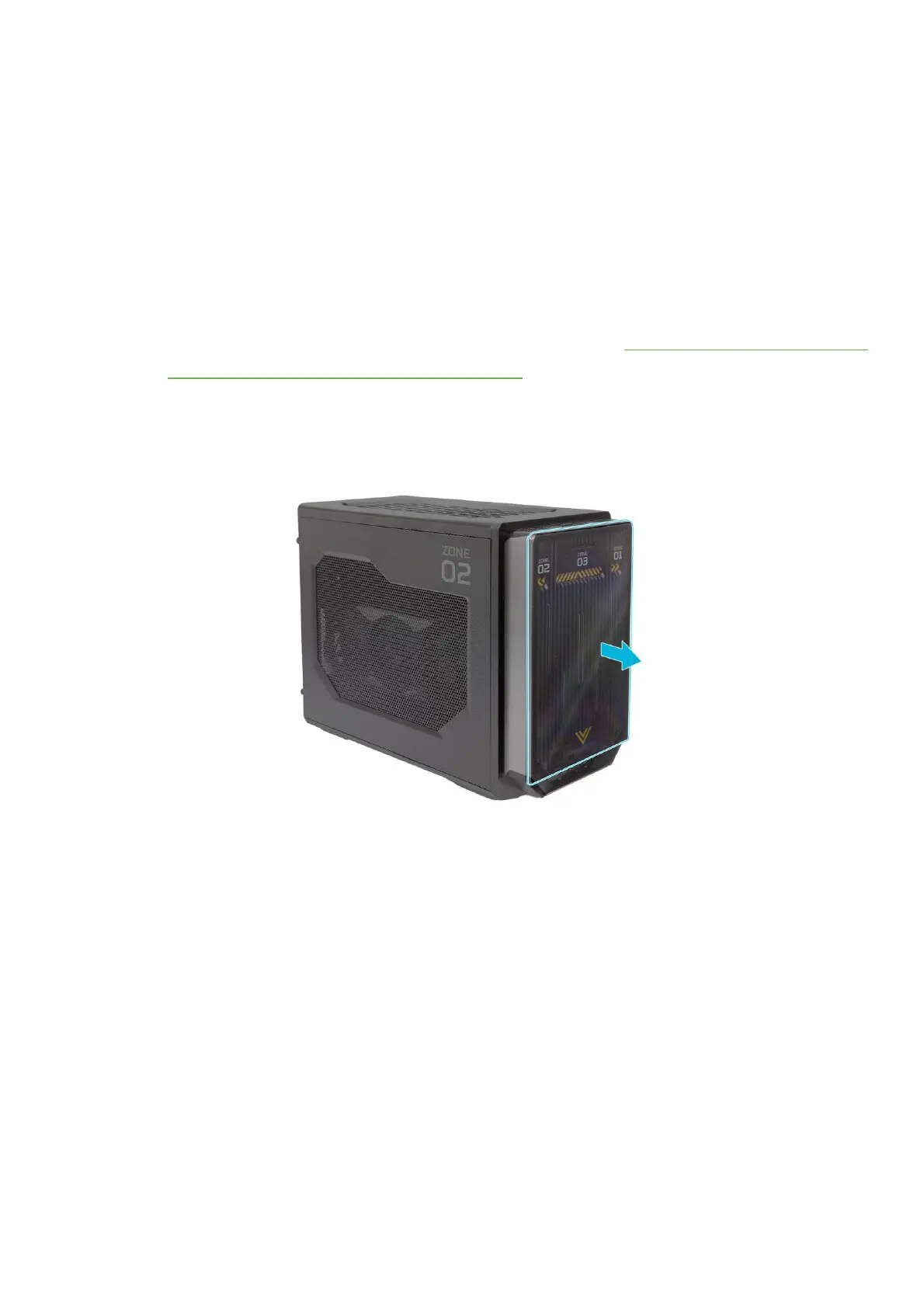
Removing the front magnetic transparent
cover
1.
Before you proceed, make sure that you have
turned off your computer and all peripherals
connected to it. Read the
Pre-installation
instructions on page 2.
2.
Detach the front magnetic transparent cover
from the chassis.
3.
Set the front magnetic transparent cover
aside for re-installation later.



 To Next Page