Disassembly Procedures 1-9
Battery Pack Removal 0
Prerequisite:
Base Cover Removal
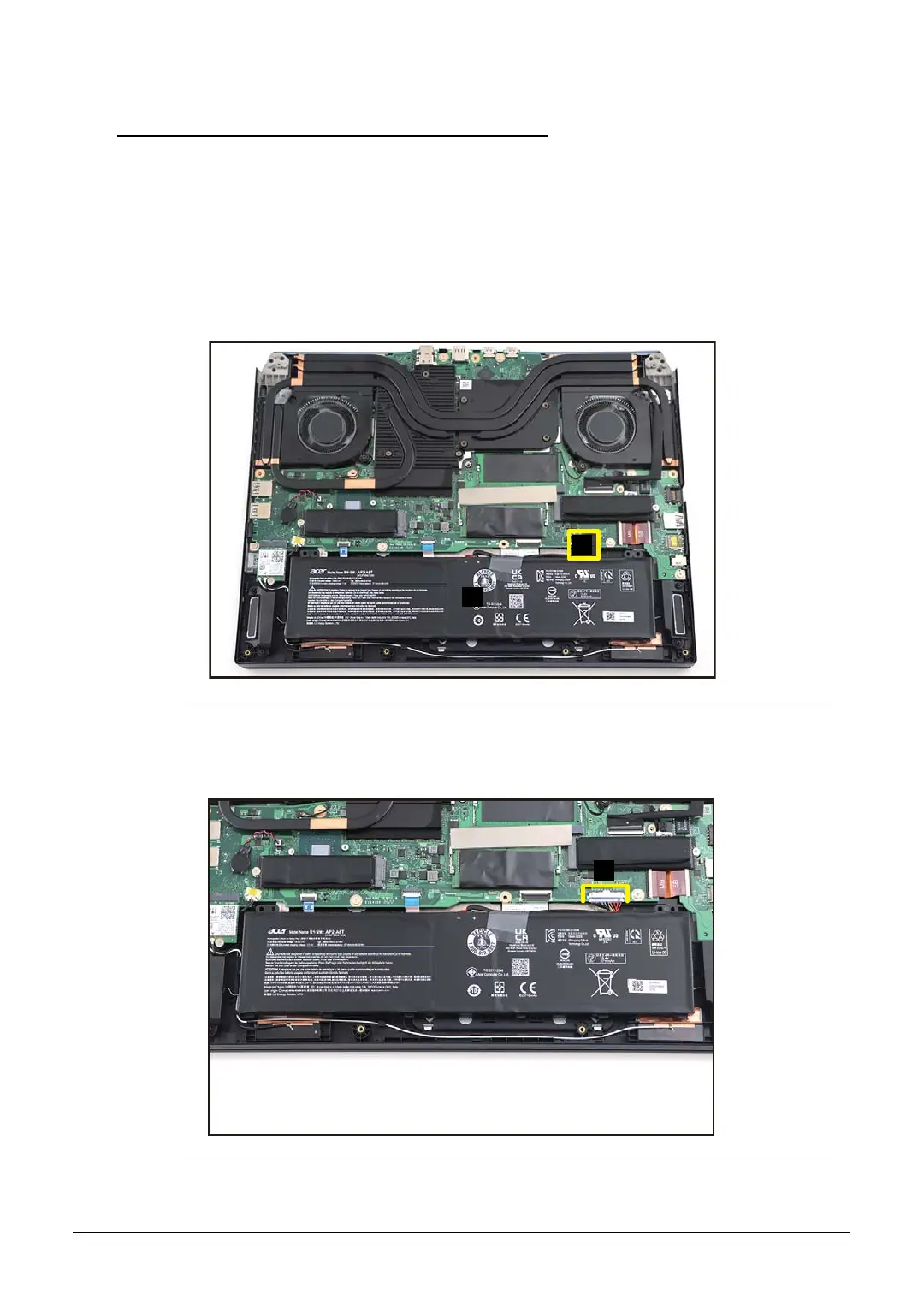
1. Find the battery pack (A) in the system (Figure 1-6).
2. Detach the tape (B) securing the battery cable to the mainboard connector
(Figure 1-6).
Figure 1-6. Battery Pack Removal
3. Disconnect the battery cable from the mainboard connector (C) (Figure 1-7).
Figure 1-7. Battery Pack Removal



 To Next Page