1-26 Disassembly Procedures
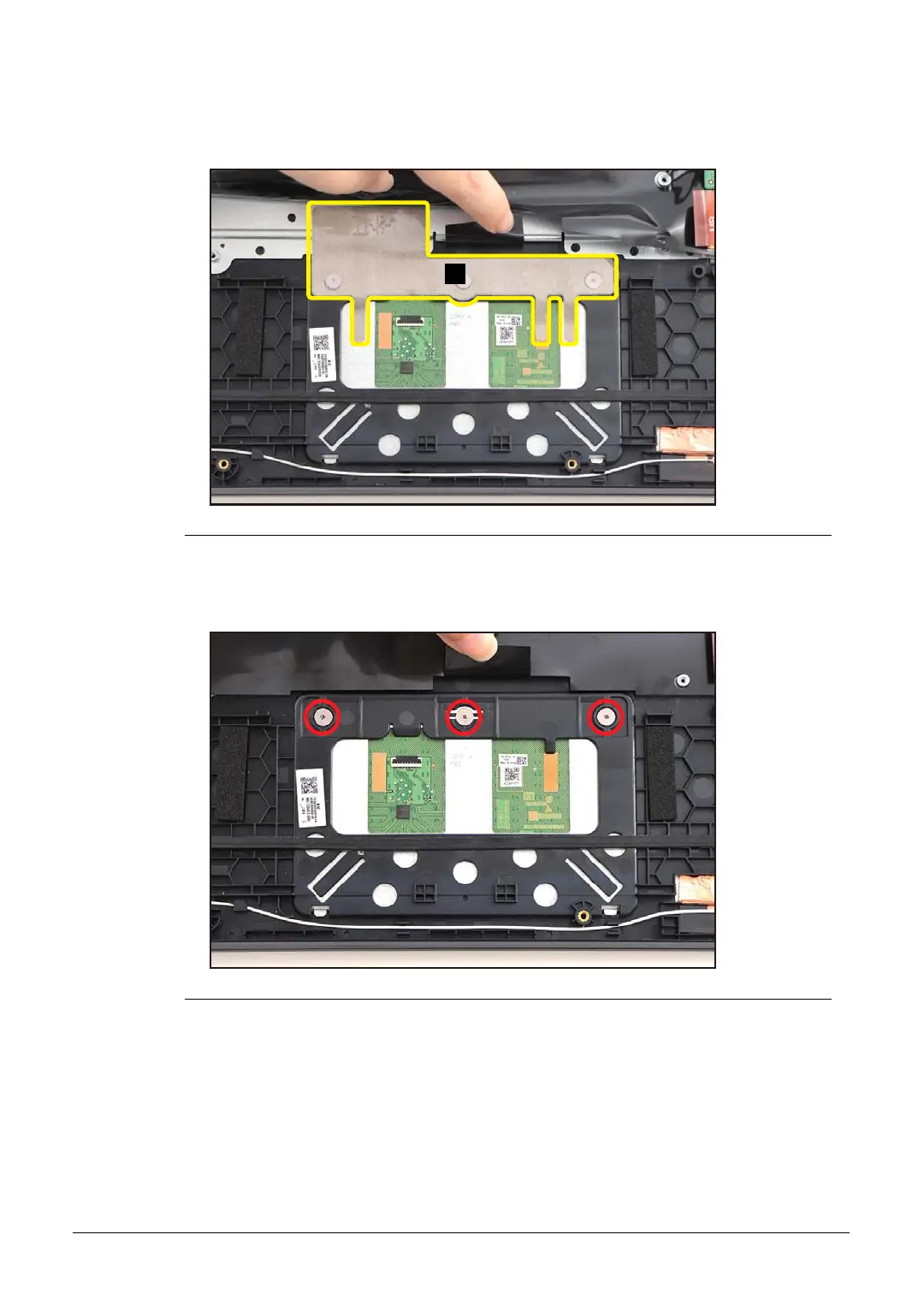
2. Slightly detach and lift the mylar. Then detach the conductive tape (B) from the
touchpad module and top assembly (Figure 1-33).
Figure 1-33. Touchpad Module Removal
3. Remove three (3) screws securing the touchpad module (Figure 1-34).
Figure 1-34. Touchpad Module Removal



 To Next Page