Disassembly Procedures 1-31
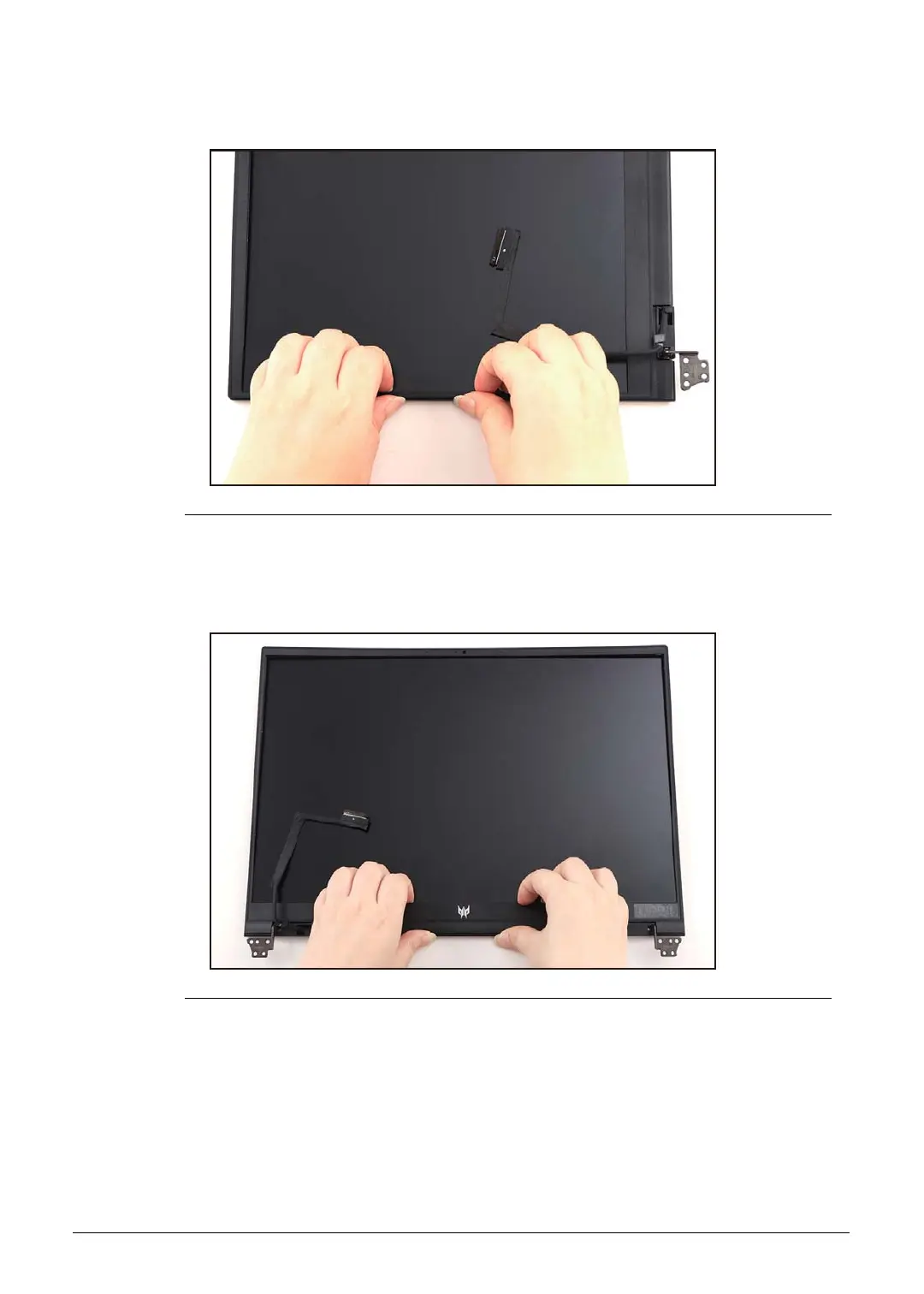
3. Continue prying along the left side of the bezel (Figure 1-42).
Figure 1-42. LCD Bezel Removal
4. Continue prying along the bottom side of the bezel until all the latches have been
released (Figure 1-43). Then remove the LCD bezel.
Figure 1-43. LCD Bezel Removal



 To Next Page