Fingerprint Reader - 67
FINGERPRINT READER
In addition to using an account password or PIN to sign in
to Windows apps and services, you can also use the
fingerprint reader to sign-in and unlock your Predator
notebook.
In order to use the fingerprint reader, you must first
configure the fingerprint reader to recognize your
fingerprint to confirm your identity.
How to use the fingerprint reader
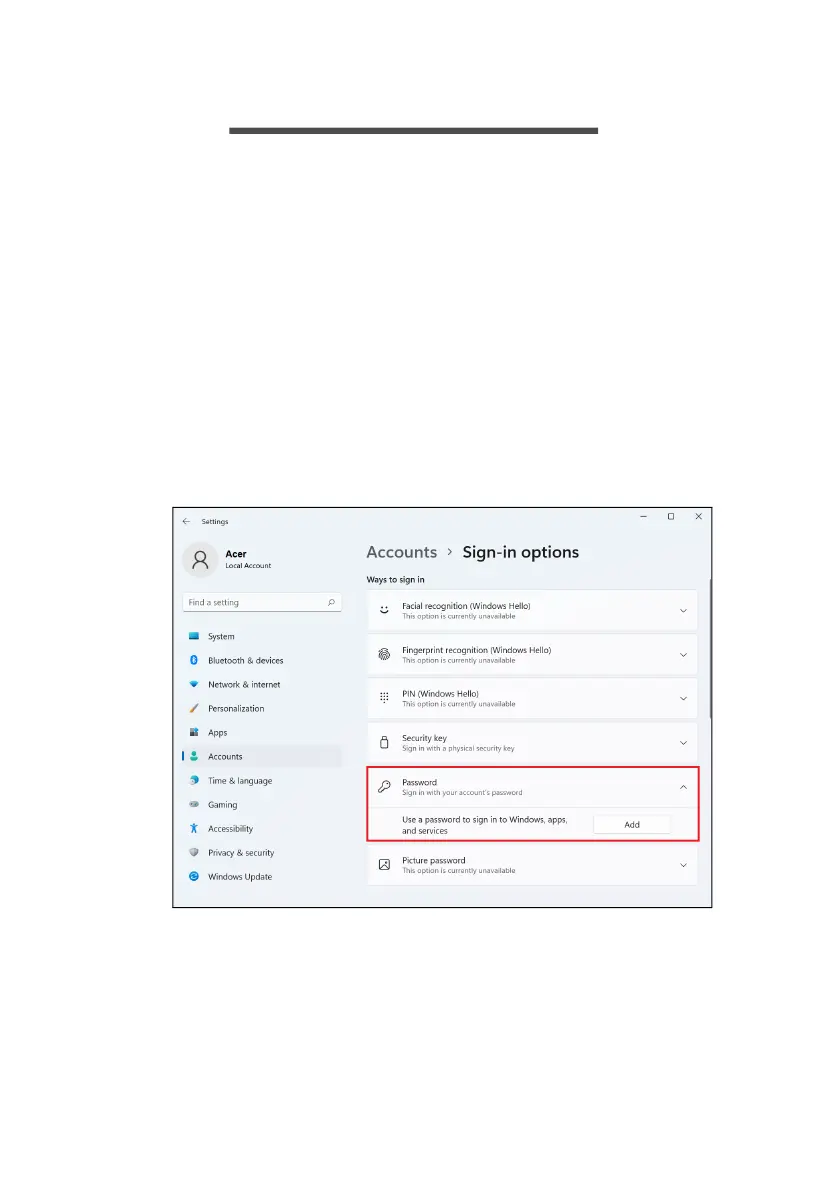
Select the Start button, then select Settings > Accounts >
Sign-in options to set up Windows Hello.
1. Set a password.



 To Next Page