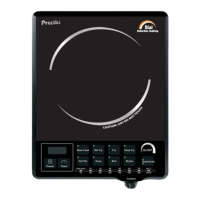
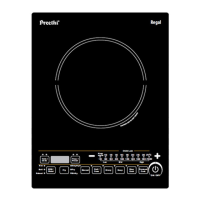
w The ‘Timer’ Button controls the cooking duration for the selected “Cooking Mode”.
w Touch the ‘Timer’ Button once to display the cooking duration for the selected mode.
w Left side Indicator above the button will glow.
w In this INDI COOK touch the Buttons to increase/decrease the cooking duration from 1to180 minute.
Cooking Time
INDI COOK
9
Cooking Temperature
w In this INDI COOK, use the Buttons to increase and decrease temperature.
w The temperature can be varied from ”Keep Warm” to 270º C in increments determined by the selected
Cooking Mode.
Maintenance & Cleaning
1. Clean after every use. Before cleaning, disconnect Plug and wait till the INDI COOK cools down
completely.
2. Clean the INDI COOK and the Control Panel with a damp cloth.
3. Do not wash or immerse INDI COOK in water.
4. Use clean Pots/Vessels from outside to avoid discoloration or stains on the Glass Top.
5. To clean the Glass Top, first wipe it with a wet cloth and then with a sponge using mild
Finally wipe it dry with a soft damp cloth.
6. Keep the INDI COOK clean to avoid trapping insects into the Fan. This may cause malfunction.
detergent.


 To Next Page