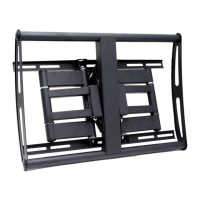
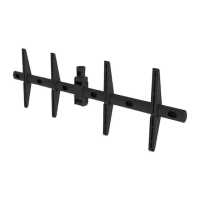
ECM-D70T / ECM-D70T1.5
Page 10 Visit the Premier Mounts website at http://www.premiermounts.com Installation Instructions
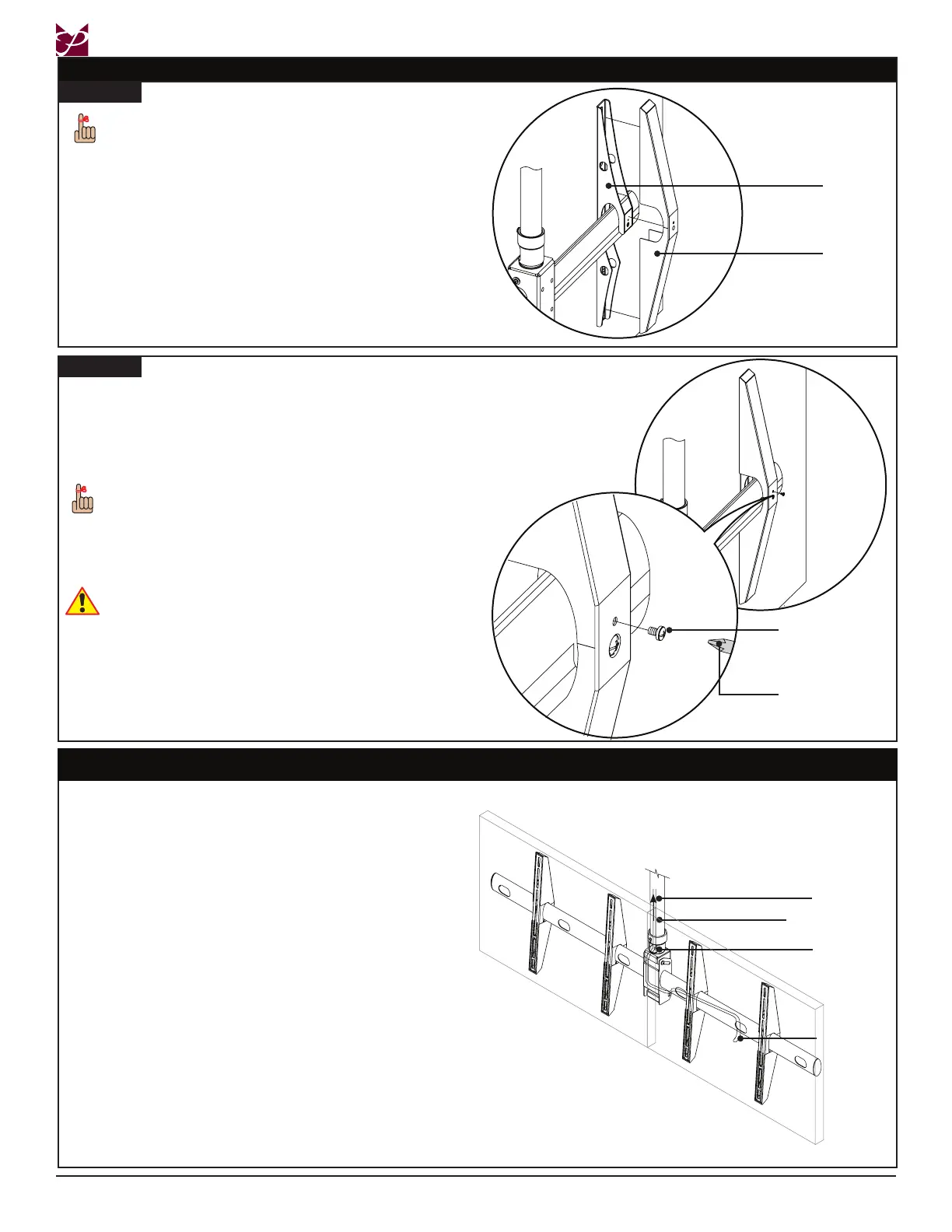
Cable Management
Route cables through the cable access holes and to
their respective locations.
The cables must then be routed through the coupler, up
the ceiling adapter (not included) and into the ceiling to
a pre-determined source.
Source or
A/V Cable
To Ceiling
Ceiling Adapter
Coupler
rst
Step 2
➊
Align the mounting holes.
➋
On each decorative cover, insert and tighten an
M4 x 8mm Pan Combo screw in the smaller
mounting hole.
The decorative covers should easily go over the
M6 x 25mm Pan Combo screws.
➌
Repeat the Attaching Decorative Covers
instructions to attach decorative covers to the
second at-panel.
Attaching Decorative Covers
Step 1
Decorative
Cover
➊
Place the rst decorative cover over the rst
mounting bracket arm and push rmly into place.
➋
Repeat Step 1 for the second decorative cover
and mounting bracket arm.
Mounting
Bracket
Arm
When attaching the decorative covers, verify
the direction of the covers. The smaller
mounting hole should be in position above the
larger mounting hole.
M4 x 8mm Screw
Screwdriver
Do not over-tighten these screws.


 To Next Page