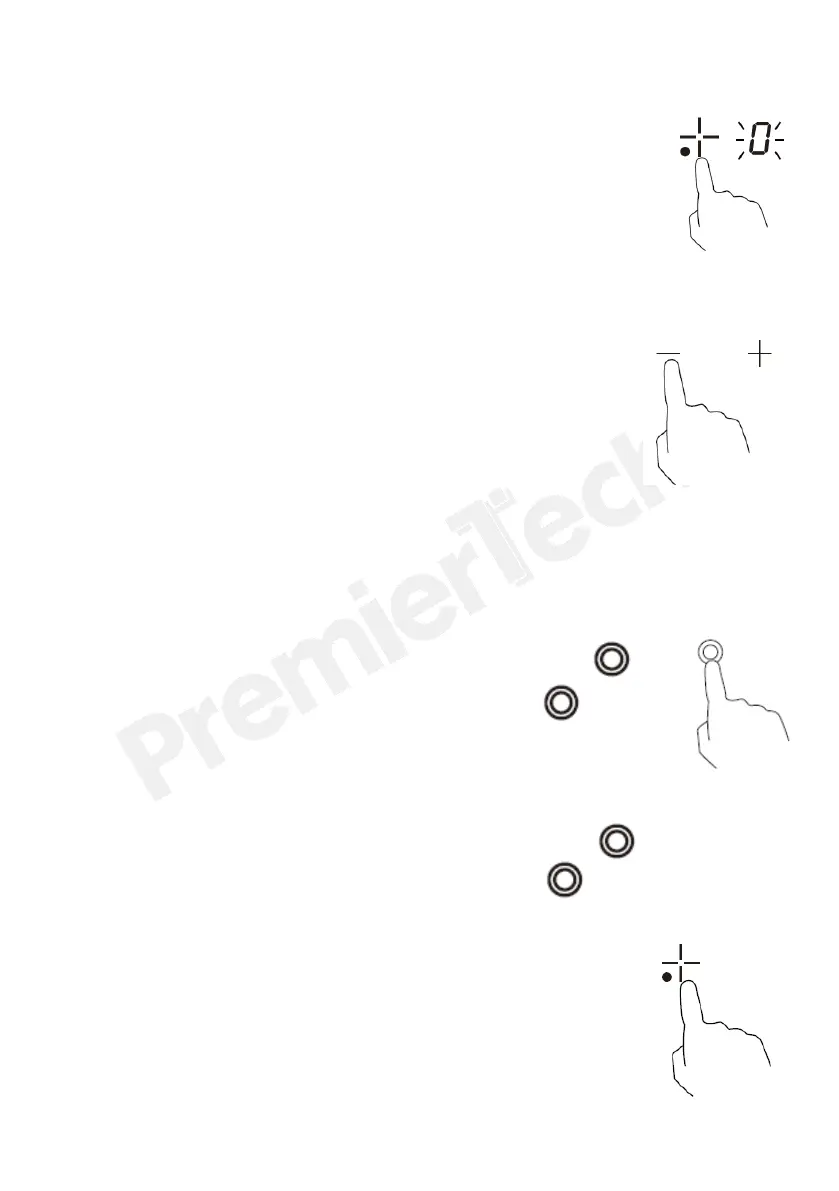
3. Touching the heating zone selection control, and
a indicator next to the key will flash .
4. Select a heat setting by touching the “-“ or
“+” control.
• If you don’t choose a heat setting within 1
minute, the ceramic hob will automatically
switch off. You will need to start again at
step 1.
• You can modify the heat setting at any time
during cooking.
• By holding down either of these buttons, the
value will adjust up or down.
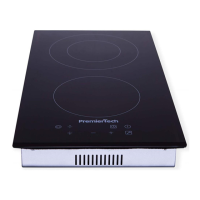
For Model PT-PC2C
5.When zone 2 is working, activate dual zone by pressing .
When dual zone is working, turning off it by pressing .
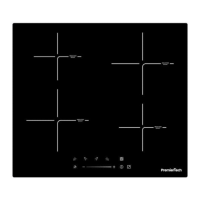
For Model PT-PC4C
5.When zone 3 is working, activate dual zone by pressing .
When dual zone is working, turning off it by pressing .
When you have finished cooking
1. Touching the heating zone selection
control that you wish to switch off.


 To Next Page