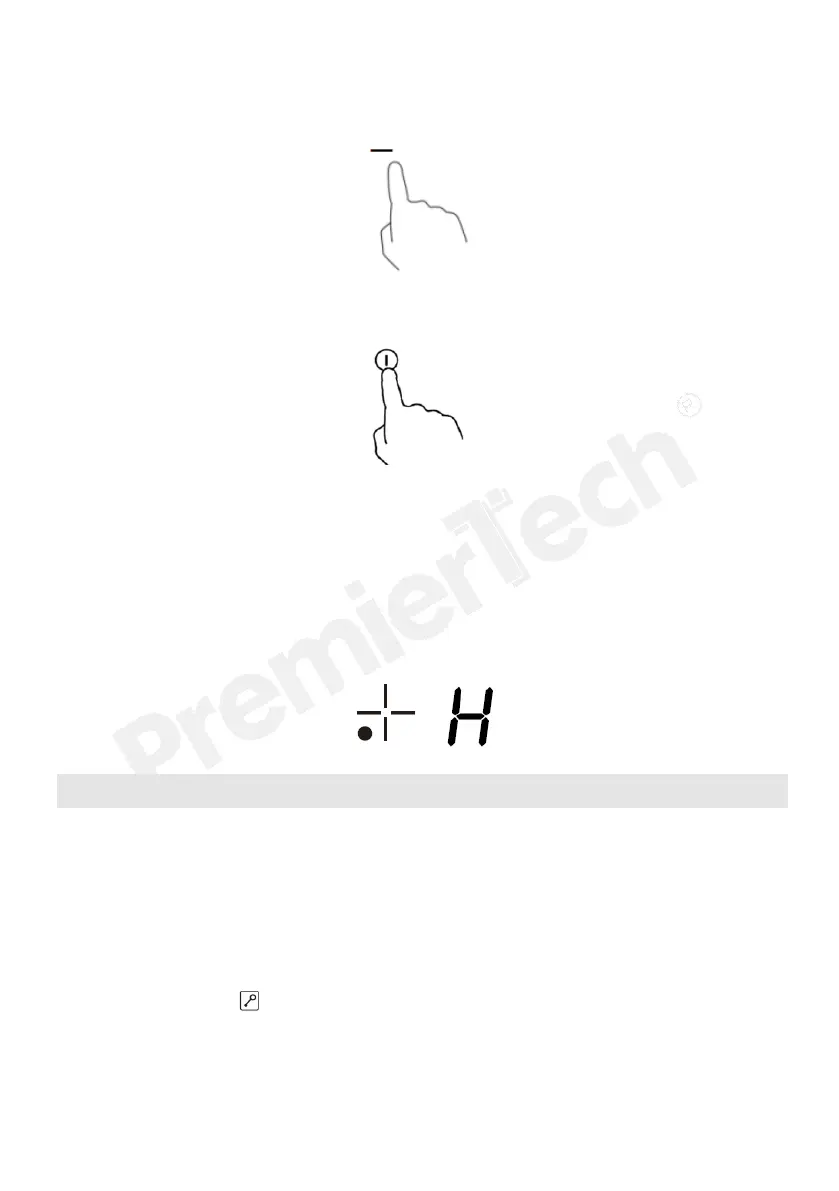
2. Turn the cooking zone off by touching the “-” and scrolling down to “0”.
3. Turn the whole cooktop off by touching the “ON/OFF” control.
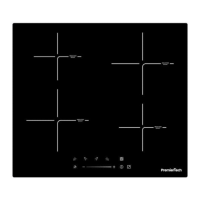
4.Beware of hot surfaces “H” will show which cooking zone is
hot to touch. It will disappear when the surface has cooled down to a safe
temperature. It can also be used as an energy saving function if you want to
heat further pans, use the hotplate that is still hot.
Locking the Controls
• You can lock the controls to prevent unintended use (for example children
accidentally turning the cooking zones on).
• When the controls are locked, all the controls except the ON/OFF control are
disabled.
To lock the controls
Touch the keylock control. The timer indicator will show “ Lo “
To unlock the controls
1. Make sure the ceramic hob is turned on.


 To Next Page