TROUBLESHOOTING
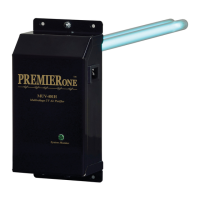
With the selector switch in the ON position, the LED should light when power is supplied to the unit.
If the LED does not light with switch in the On position:
1. Check to be sure there is power to the unit.
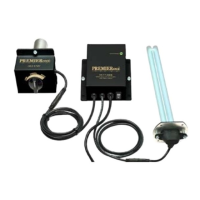
2. Be sure lamp connectors are fastened securely.
3. If the LED still does not light, replace lamp(s).
4. If still not operating, replace ballast.
Note: Standard off-the-shelf lamps are not compatible with this unit. Use of improper lamps will void warranty.
WARRANTY
All electronic components carry a lifetime warranty to the original homeowner. In addition there is a four year
warranty from the date of installation for any subsequent owner. The manufacturer reserves the right to send
replacement parts or to replace the unit at its discretion. This warranty does not cover any labor or damage
resulting from improper installation or abuse. Use of any lamp other than a genuine PremierOne lamp designed
for this device will void the warranty.
The original lamps are warranted for a period of two years. This warranty does not cover lamps broken during
shipping, installation or as a result of improper handling.
All returns are routed through your contractor/wholesaler and must be approved and accompanied by an RGA#.
The limited warranties described above are in lieu of any other warranty, whether expressed or implied, written
or oral (including any warranty of merchantability or tness for a particular purpose.) This warranty gives you
specic legal rights. You may also have other rights which vary from state to state.
For Technical Support Call (800)982-1840 www.premieroneproducts.com ©2016



 To Previous Page