MOUNTING THE RACQUET FRAME
Inserting the Side Supports
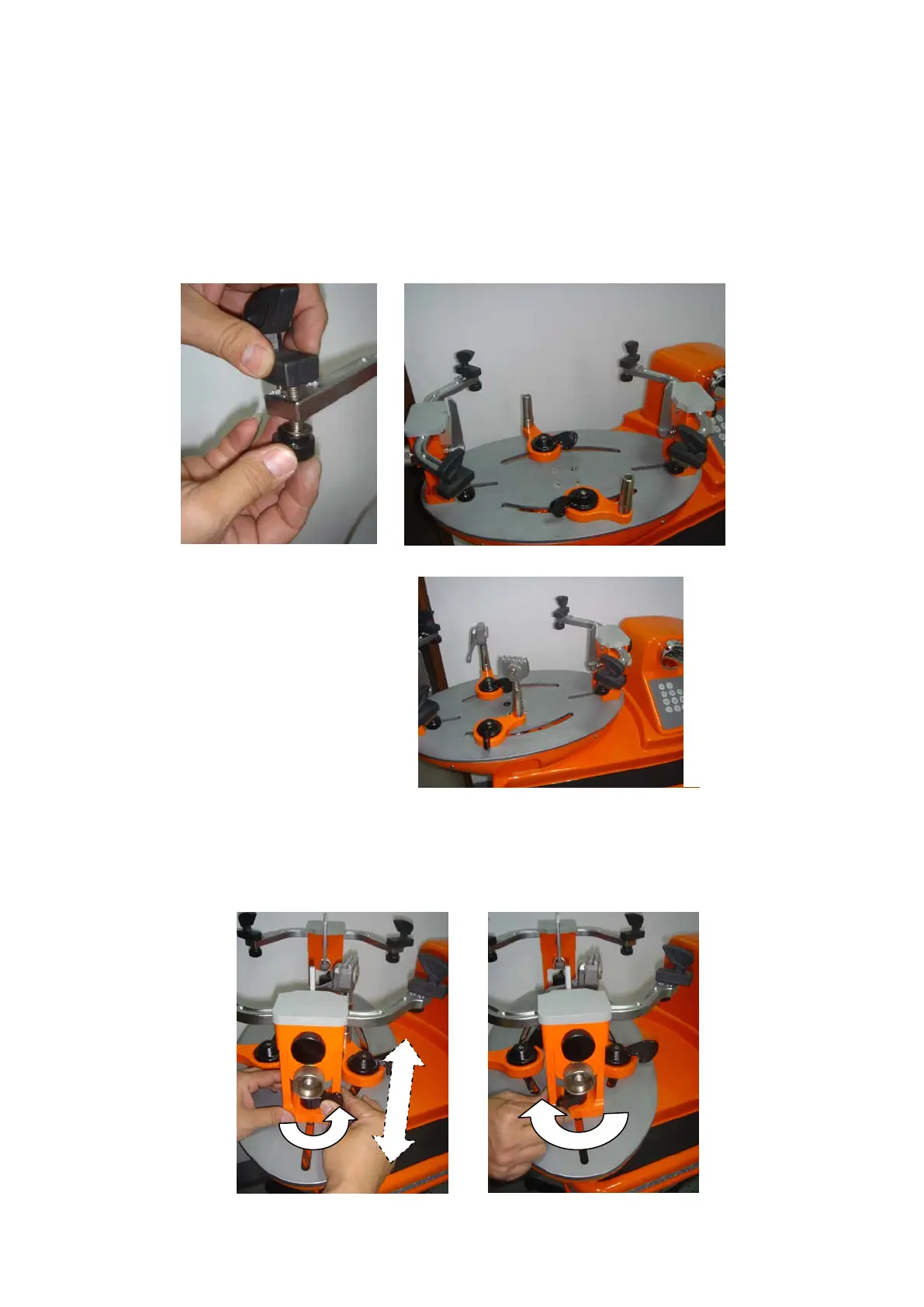
Insert the four side supports in the holes of the side support arms and have them
tighten by turning the knobs along with the washers beneath the side supports.
Note the big jaw of the side support is for tennis racquet frame and small jaw is for
the badminton racquet frame.
Inserting the String Clamps
Insert the two string clamps into
the string clamp bases.
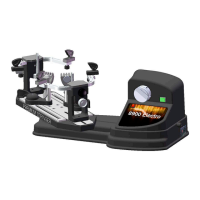
Adjusting the Mounting Stocks
Loosen both mounting stocks by turning the mounting stock locking handles toward
right and adjust the distance between the mounting stocks to accommodate the size of
the racquet frame. Turn both mounting stock locking handles toward left to lock both
mounting stocks in place.


 To Next Page