No
Components
Process
Remark
4
5
Filter
1 pinch the protruding section of filter by thumb,forefinger
and middle finger to draw it out to take it out, and then rotate
the unit 90 .
6
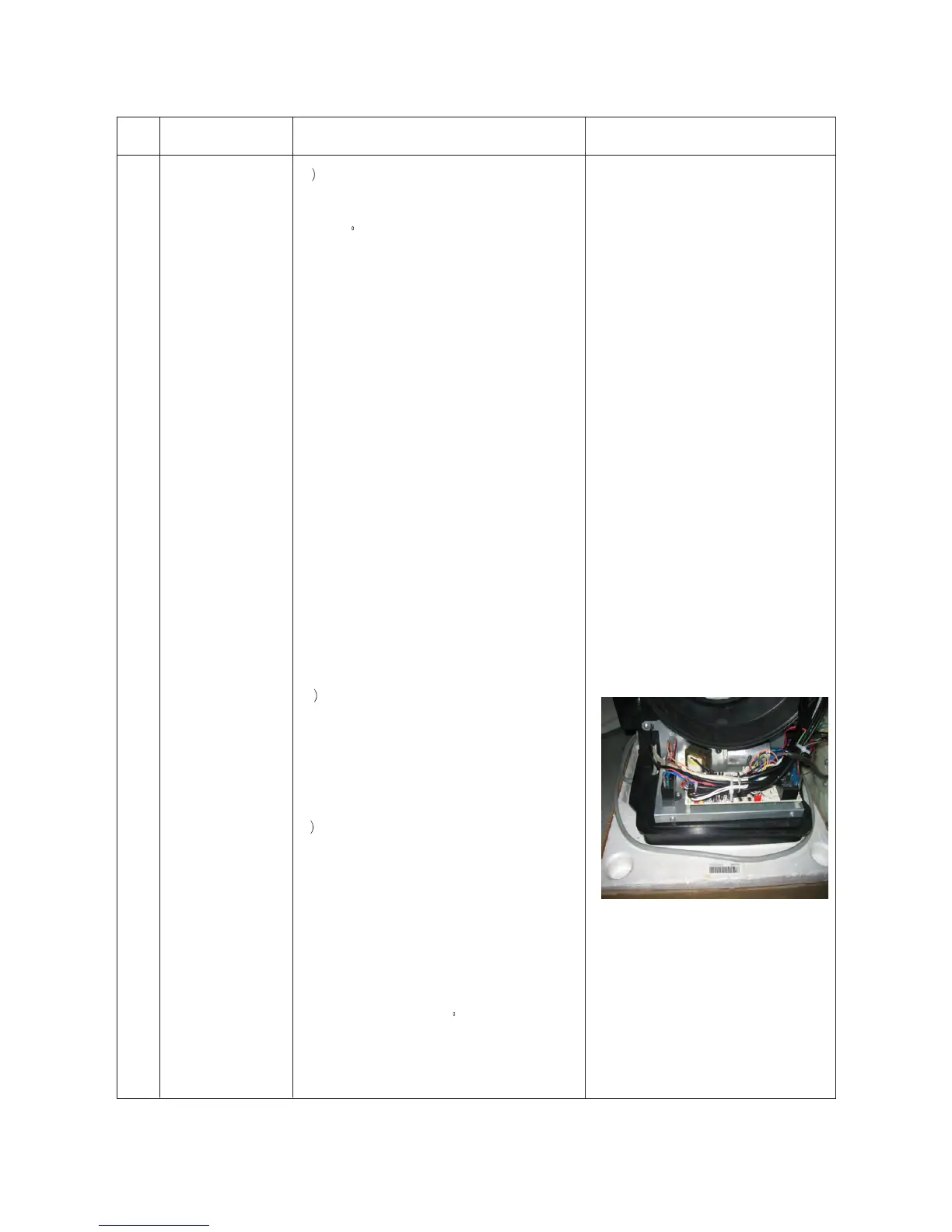
Electric bracket assembly
1 loosen bolts of fixed frame for electric bracket
and take out the bolts.
2)loosen the wire binder tying connection wire
3)pull out compressor connection wire from fan
capacitor and main controller.
4 pull out the compressor connection wire from compressor
capacitor and main controller.
5)pull out zero wire and live wire from main controller.
6)pull out synchronous motor connection line from main controller
7)get the synchronous motor connection line, water level line,
ambient temperature sensor line and evaporator temperature
control prove line through the hole and take out the electrical
bracket plate, and then rotate the unit 90 .
11



 To Next Page