EasyManua.ls Logo

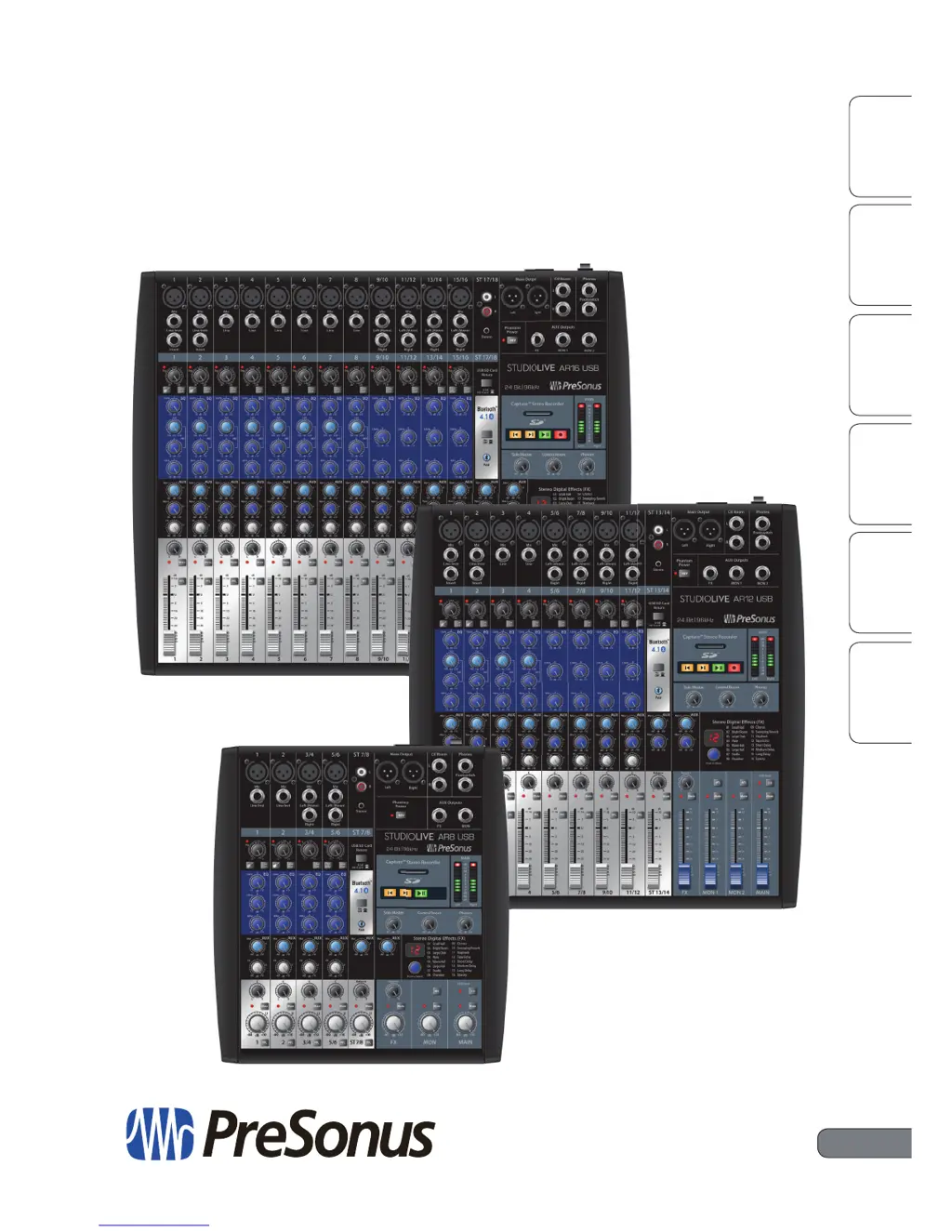
PRESONUS StudioLive AR-Series - User Manual

PRESONUS StudioLive AR-Series
100 pages
Print Icon
To Next Page IconTo Next Page
Loading...
OverviewSD Recording
and Playback
HookupTroubleshooting
and Warranty
Getting StartedResources
StudioLive
AR-Series
Hybrid Digital/Analog Production Mixers
Owners Manual
www.presonus.com
®
English

Table of Contents

Other manuals for PRESONUS StudioLive AR-Series

Questions and Answers

  • T
    Tyler MezaAug 2, 2025
    What to do if there is no output on a channel on my PRESONUS StudioLive AR?
    • F
      fmyersAug 2, 2025
      If there's no output on a channel of your PRESONUS Music Mixer, start by checking the signal-present LED to confirm signal presence. If there's no signal, inspect the cable and input source. Ensure the trim control is appropriately set and the channel isn't muted. If your device needs phantom power, make sure it's enabled for that channel.
  • P
    Philip LopezAug 9, 2025
    What to do if microphone preamp 1 or 2 doesn't pass audio on PRESONUS Music Mixer?
    • J
      Joyce CrossAug 9, 2025
      If microphone preamp 1 or 2 isn't passing audio on your PRESONUS Music Mixer, first, check that the Instrument input button is not engaged, as this disables the microphone preamp. Next, make sure your microphone cable is working correctly and that the trim control is set to an appropriate level.
  • R
    ronaldwattsAug 14, 2025
    What to do if there is no output on the solo bus while monitoring with my PRESONUS Music Mixer?
    • S
      Shannon BrewerAug 14, 2025
      If there is no output on the solo bus while monitoring with your PRESONUS Music Mixer, verify that both the Cue volume and the headphone, or monitor, volume are at a reasonable level for comfortable listening. Also, ensure that the PFL button is engaged on the channels you want to solo.
  • L
    Lydia RodriguezAug 20, 2025
    Why doesn't the main fader control the mix level on my PRESONUS StudioLive AR?
    • M
      Mark DeanAug 21, 2025
      If the main fader isn't controlling the mix level on your PRESONUS Music Mixer, the most likely cause is that your monitors are connected to the Control Room outputs instead of the Main outputs. Ensure your monitors are connected to the Main outputs.
  • T
    Timothy WalkerAug 27, 2025
    How to fix if I can't hear the main mix in headphones with my PRESONUS StudioLive AR?
    • B
      Brandy BrownAug 27, 2025
      If you can't hear the main mix in your headphones using your PRESONUS Music Mixer, first, check that the headphone output control is at a sufficient level. Also, ensure that no PFL or AFL buttons are engaged.

Summary

Getting Started

Level-Setting Procedure

Provides a step-by-step guide for setting input levels correctly.

Hookup

Connections and Controls

Details all input and output connections and controls on the mixer.

Channel Controls

Describes the controls for each channel strip, including EQ and sends.

SD Recording and Playback

SD Recording

Explains how to record the main mix to an SD or SDHC card.

Resources

Troubleshooting and Warranty

Troubleshooting

Helps diagnose and resolve common operational issues with the mixer.

Warranty Information

Outlines the terms and conditions of the product warranty.

PRESONUS StudioLive AR-Series Specifications

General IconGeneral
BrandPRESONUS
ModelStudioLive AR-Series
CategoryMusic Mixer
LanguageEnglish

Related product manuals