EasyManua.ls Logo

PRESONUS Temblor T8 - User Manual

PRESONUS Temblor T8
23 pages
Print Icon
To Next Page IconTo Next Page
Loading...
T
emblor
T8
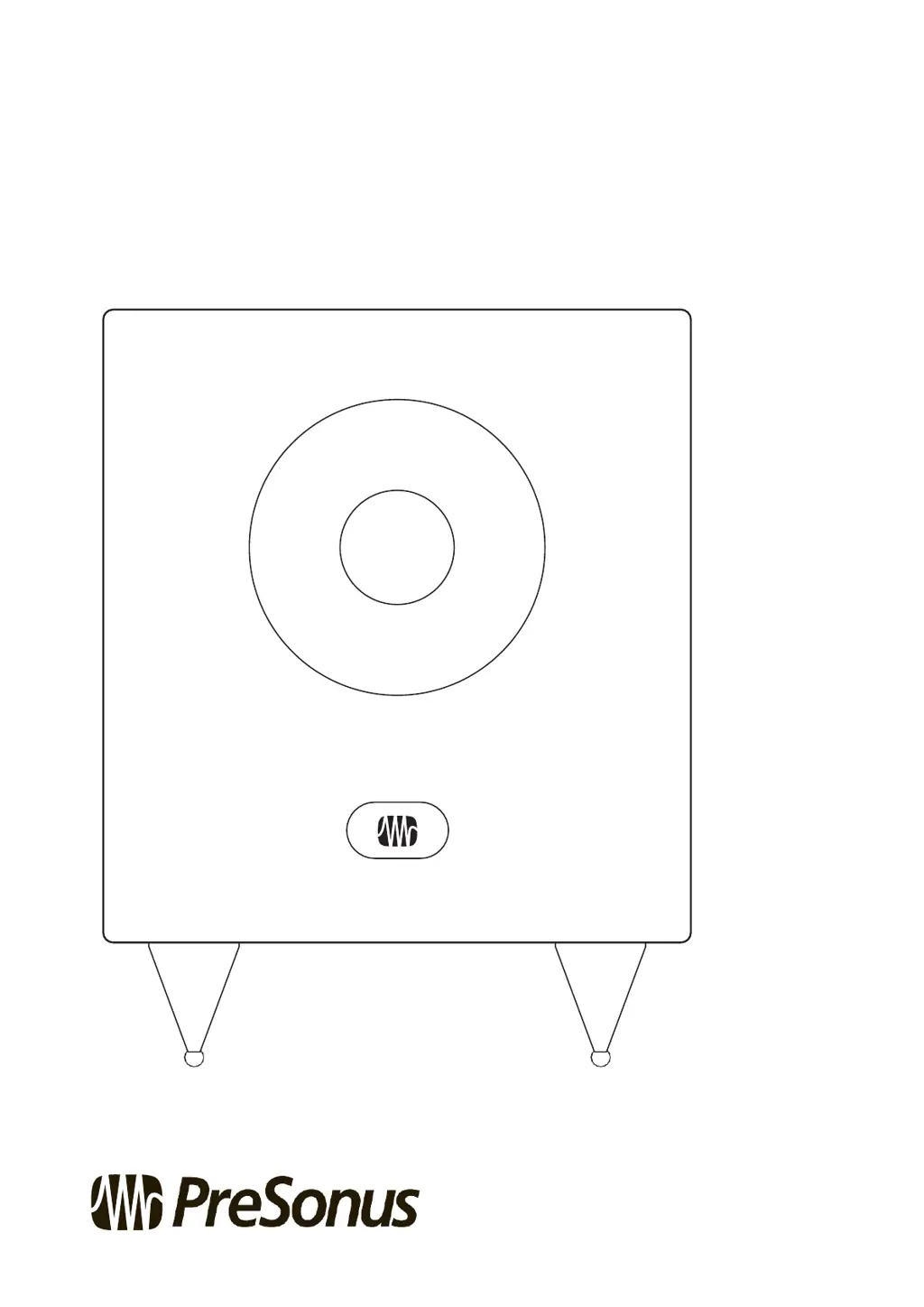
Active Studio Subwoofer
8
英寸主动式超低音音箱
Owner’s Manual 户说
®
www.presonus.com

Other manuals for PRESONUS Temblor T8

Questions and Answers

  • B
    Brandon JohnsonJul 27, 2025
    How to troubleshoot power issues with my PRESONUS Subwoofer Temblor T8?
    • K
      Kimberly McgeeJul 27, 2025
      First, make sure that your Temblor T8 is properly plugged in and that the power source is active. If you are using a power conditioner, check that it is turned on and working. If the issue persists, contact PreSonus for repair assistance.
  • A
    Anthony SchaeferAug 4, 2025
    Why does my PRESONUS Subwoofer Temblor T8 hum?
    • R
      Rebecca KaufmanAug 5, 2025
      Humming is often due to a ground loop. To resolve this, ensure all audio equipment shares the same power source. Using a power conditioner is highly recommended to minimize hum and protect against power issues. Use balanced cables whenever possible, or connect your device to a DI box for a ground-lift switch and balanced output. Also, keep audio cables away from power cables and use appropriate-length cables to avoid noise and interference.
  • M
    Melanie ArcherAug 16, 2025
    What to do if my PRESONUS Subwoofer Temblor T8 has no audio?
    • C
      chenjessicaAug 16, 2025
      If your PRESONUS Subwoofer Temblor T8 powers on but produces no sound, start by checking the cables connected to the subwoofer to ensure they are working correctly. Then, check that the Input Level control is set high enough to provide sufficient gain.

Summary

Overview

Introduction

Introduces the Temblor T8 active studio subwoofer and its purpose.

Summary of Temblor T8 Features

Lists the key features, specifications, and capabilities of the Temblor T8.

Hookup and Connections

What is in the Box

Details the items included in the Temblor T8 subwoofer package.

Rear-Panel Connections and Controls

Explains the input/output connections and controls on the rear panel.

Power

Covers power connection, switch, and AC voltage selection.

User Controls

Explains the function of user controls like Polarity and High Pass Filter.

Hookup Diagrams

Illustrates basic, advanced, and home theater connection diagrams.

Basic Setup

Illustrates a basic connection diagram for the Temblor T8 subwoofer.

Advanced Setup

Provides a diagram for an advanced connection setup with the Temblor T8.

Home Theater Setup

Shows a connection diagram for a home theater system with the Temblor T8.

Tutorials and Calibration

Subwoofer Placement

Guides on finding the optimal placement for the subwoofer in a room.

Level Calibration

Explains how to match monitor and subwoofer levels for consistent listening.

Resources and Troubleshooting

Technical Specifications

Lists detailed technical specifications for the Temblor T8 subwoofer.

Troubleshooting

Offers solutions for common problems like no power or no audio.

Warranty Information

Warranty

Outlines the warranty terms and conditions for the product.

Warranty Duration and Service

Details warranty duration and how to obtain service (USA/outside USA).

Warranty Limitations and Exclusions

Describes limitations on implied warranties and exclusions of damages.

PRESONUS Temblor T8 Specifications

General IconGeneral
TypeActive subwoofer
Driver Size8 inches
Frequency Response30 Hz - 200 Hz
Input Connectors2 x TRS 2 x RCA
Weight22 lbs
OutputsXLR
Output ConnectorsXLR
Polarity SwitchYes
Phase Switch0/180 degrees
Amplifier Power150W RMS
Crossover Frequency50Hz - 150Hz
Input Impedance10 kOhms (TRS) 10 kOhms (RCA)

Related product manuals