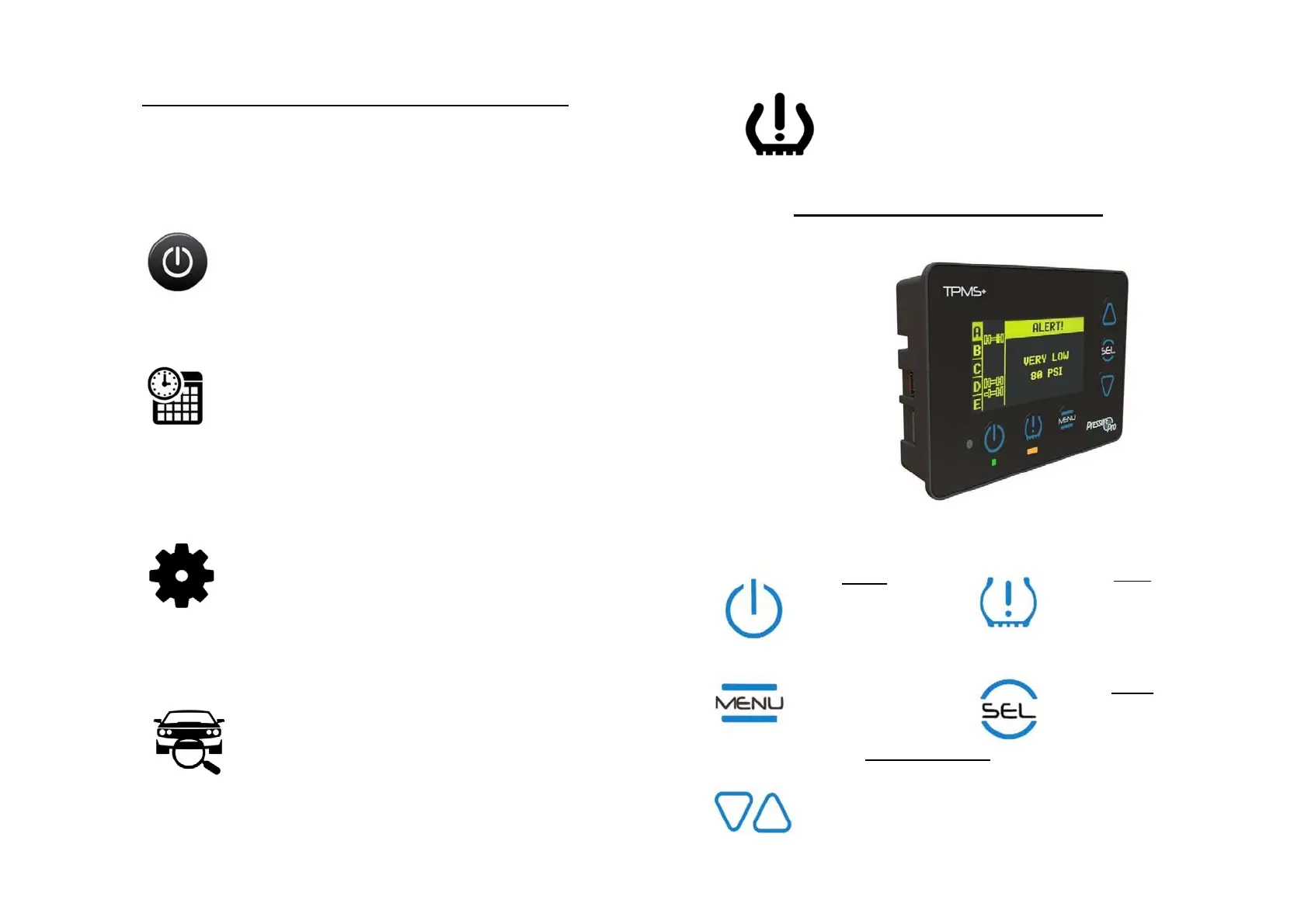
INITIALSYSTEMSET‐UP&CONFIGURATION
Firstthingsfirst!UponinitialpoweringofyourPressureProMonitor,pleasetakea
minutetoconfigureyourunit’stimeanddateandvehicleconfiguration,and–if
youwant– setyourcustomalertsettings.
GIVEITPOWER!
FindyourPressurePropowercord.
Connectyourthe6‐PinMolexconnectertoyour
Monitor.
Connectoppositeendtoa12Vpowersource
(viaanaccessorylighter orhard‐wiring).
SETTIMEAND DATE:
YourMonitorwillautomaticallytakeyoutoa
screenpromptingyoutosetyourtimeanddate
andwillwalkyouthroughtheset‐up.Usearrow
keystoselectdateandtimesettings.
Whencomplete,press MENUtoleave ‘Display’
screenandreturntotheVehicleSettingsMenu.
FromVehicleSettingsMenu, Select“Alert
Settings”andselectthealertoptionyou’dliketo
customizeandfollowtheMonitor’spromptsto
changealertsettings.Whenfinished,pressMENU
untilreturnedtothemainMenu.
MONITORBUTTONFUNCTIONS
CONFIGUREVEHICLES(ifmonitoringmorethan1unit):
Fromthemainmenu,useUParrowtoscrollto
“Vehicle Settings”and pushSEL.
Ifyouhaveatowvehicle,oraremonitoring
multiplevehicles,select“+/‐Vehicles”,anduse
arrowsto scrollthroughandactivatethedesired
numberofvehicles.Whenfinished,press MENU
toreturntotheVehicleSettingsMenu.
SELECTVEHICLE ID(NAMETSA001):
FromVehicleSettingsMenu,Select “VehicleID”
andselectthevehicleyouwanttoname.
FollowtheMonitor’sprompts(usingthearrows
tonamevehicle).Repeatasneededforall
vehicles.Whenfinished,pressMENUtoreturnto
VehicleSettingsmenu.
SETYOUR ALERTS:
POWER
Power Monitor
ReturnsMonitorto
normal operation
MENU
Power Monitor
ReturnsMonitorto
normal operation
UP/DOWN ARROWS
Navigates through
screensandpositions
ALERT
Quick access
prioritization of alerts
Alert/Warning Indicator
Reminder Light
SELECT
Selects(and moves
forward) Monitor
functionality during
programing and use.


 To Next Page