EN - 7
Bookmark
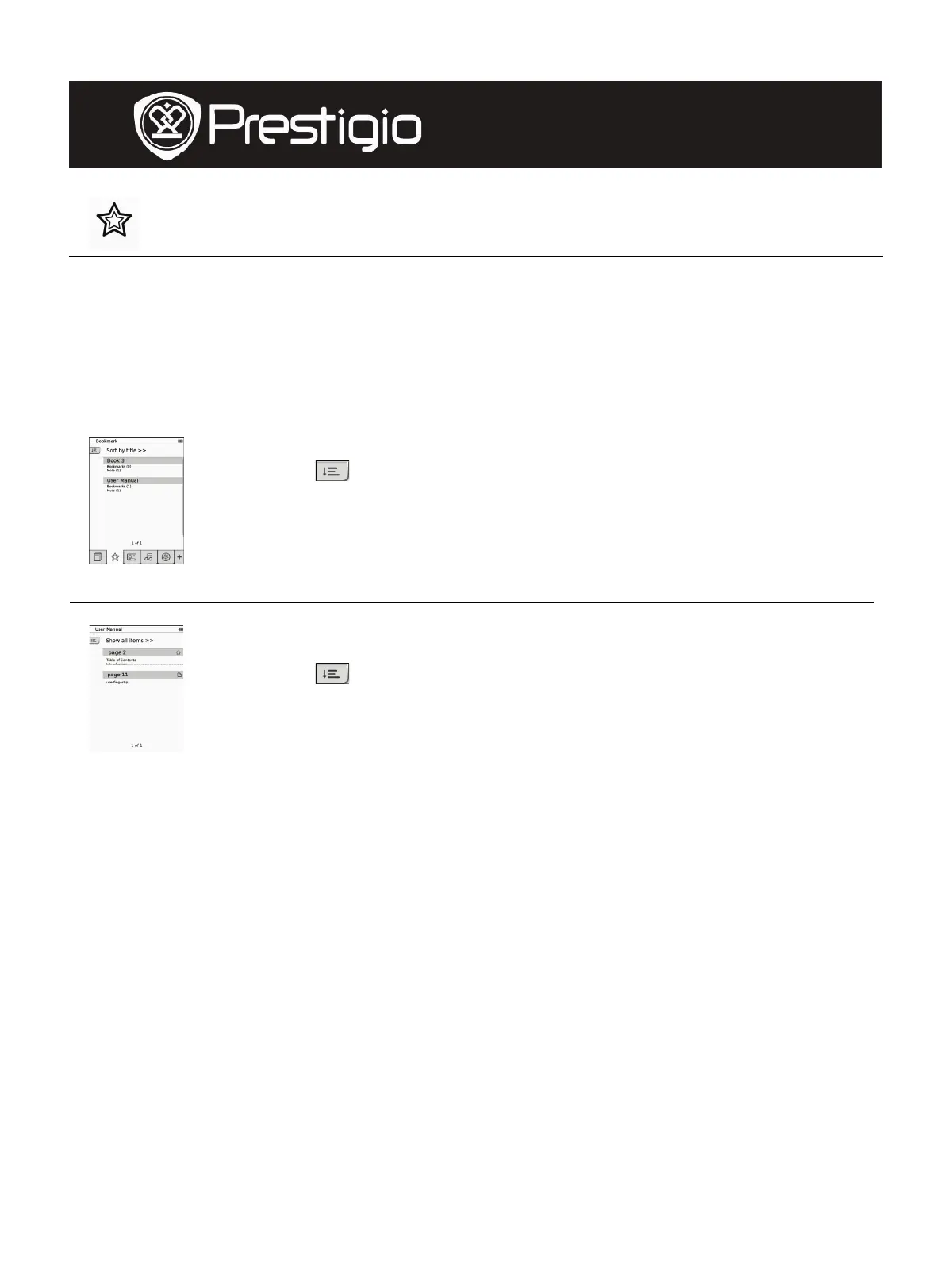
z Tap on the icon to enter Bookmark mode. All marks will be displayed
on screen.
NOTE:
The function is only available with book(s) containing bookmark(s) or
note(s).
1. Numbers of bookmarks and notes added to the book are
displayed on the list.
2. Tap on
to select sorting method. All marks can be
sorted by download date/title/author/publication
date.
3. Tap on the desired item to enter the list with
bookmarks/notes.
4. Contents of notes/bookmarks added to the page will be
displayed.
5. Tap on
to select sorting method. The booklist can be
sorted as Show bookmarks by page/Show note/Show
all items.
6. Tap on the desired item to enter the page.
User Manual
Prestigio Libretto
PER5062B










 To Next Page