EN - 9
Audio
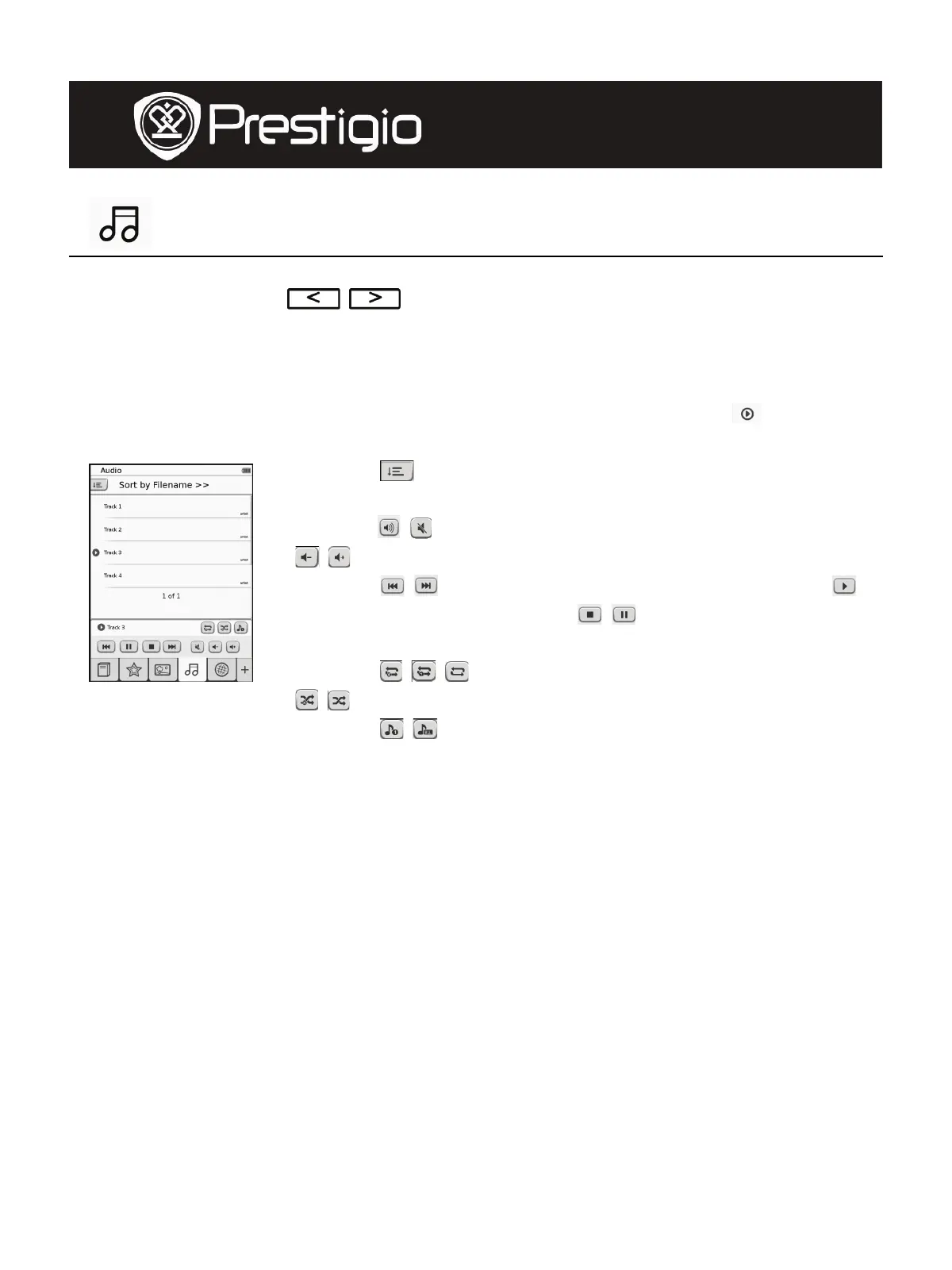
z Tap on the icon to enter Audio mode. The audio file list will be
displayed. Press
/ to turn pages if available.
NOTE:
Audio files saved on micro SD card will be displayed on the list. The
device supports .MP3 audio formats only.
z Tap on the file to enter audio playback.
will be
displayed during playback.
z Tap on
to select sorting method. The file list can
be sorted by Filename and Time.
z Tap on
/ to disable/resume the sound. Tap on
/ to adjust the volume.
z Tap on
/ to select desired audio file. Tap on
to start playback. Tap on
/ to stop/pause the
playback.
z Tap on
/ / to select playback mode. Tap on
/ to disable/enable playback in random order.
Tap on
/ to select cycle mode.
z Power Saving function is unavailable during audio playback.
User Manual
Prestigio Libretto
PER5062B










 To Next Page