7
USER MANUAL MultiPad PMP810T series
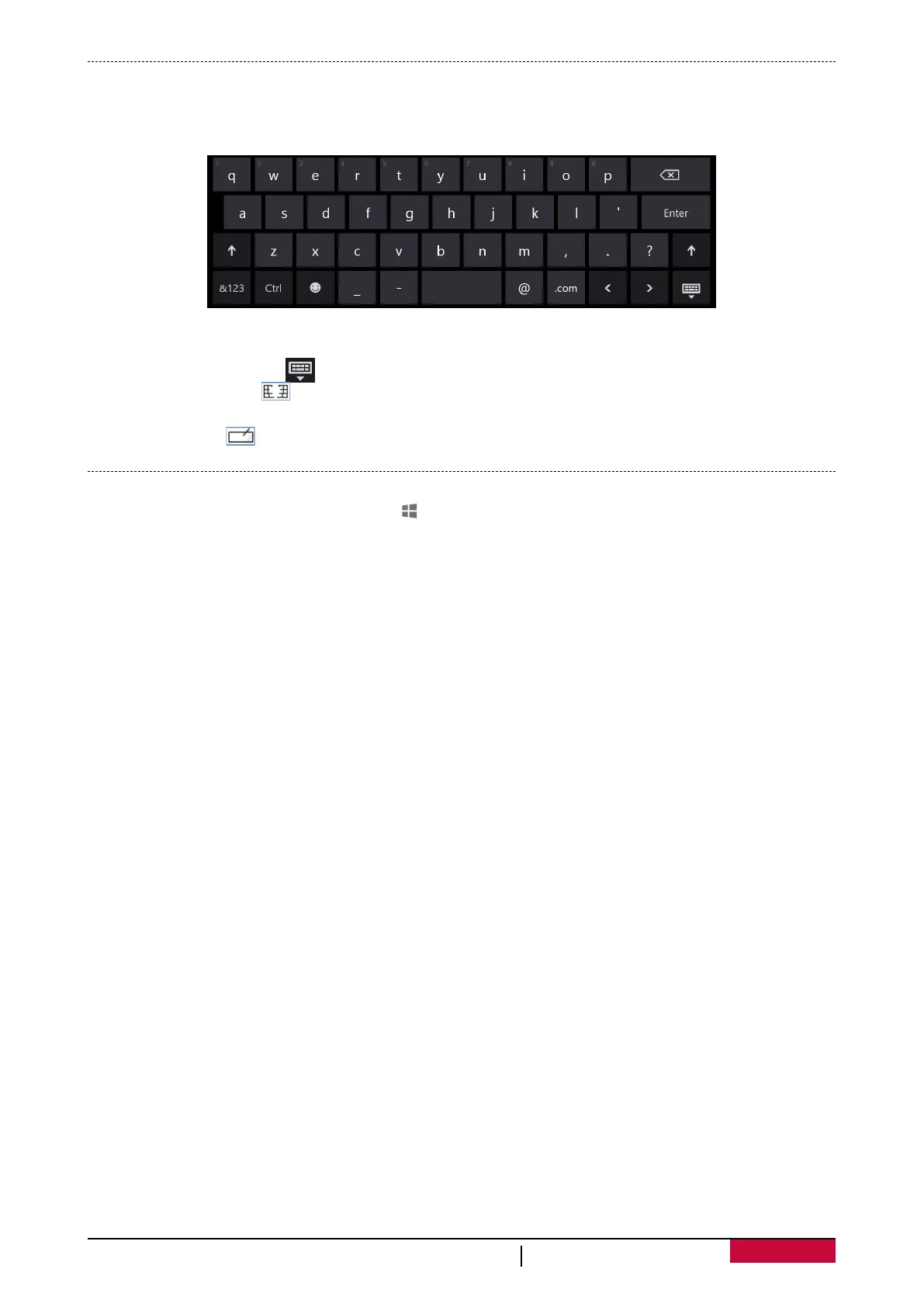
On-screen keyboard
•Tap the screen in a place where text can be entered and the on-screen keyboard should appear.
•If you're in the desktop, tap the keyboard icon on the desktop taskbar (lower-right corner) to
open the on-screen keyboard.
Thumb keyboard and handwriting options
Tap the keyboard button [ ], you will find:
- Thumb keyboard [ ]. The thumb keyboard makes it easy to type with your thumbs while
holding the tablet in both hands.
- Handwriting [ ]. The handwriting option lets you write with a capacitive pen or your finger.
Capture the screen
To capture the screen, tap Windows key [ ] below the touch screen, and press the bottom of the
volume button at the same time.
Your screenshot will be saved at This PC\Pictures\Screenshots by default.















 To Next Page