4
USER MANUAL MultiPhone PAP5451 DUO
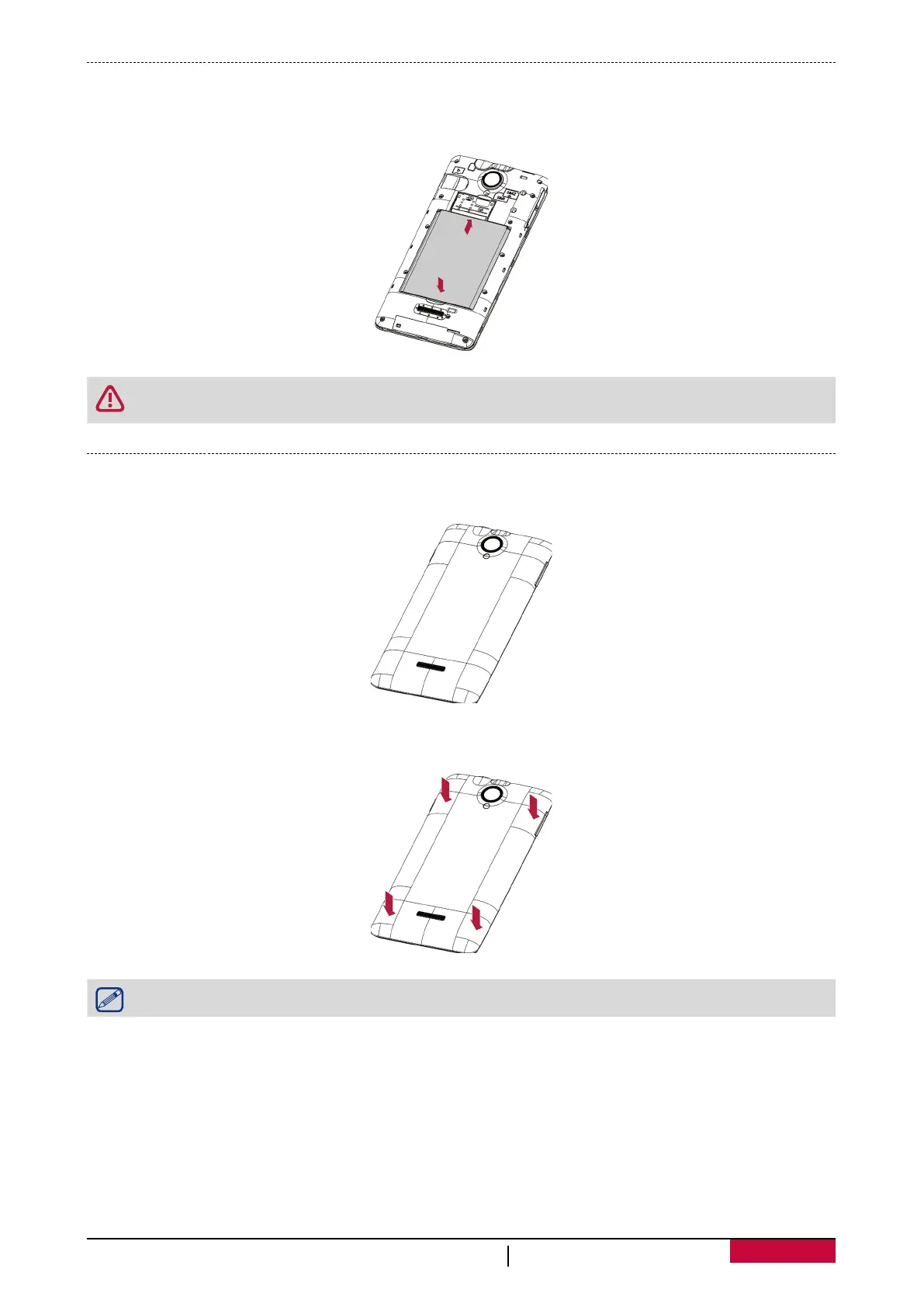
Insert the battery
Insert the battery (with its exposed copper contacts first) into the battery compartment.
Please use only original batteries that came in the box or replacements that we
recommend.
Replace the back cover
1. Align the back cover onto the top part of your phone.
2. Press the sides and the bottom part of the back cover against your phone to lock the cover into
place.
You will hear a click when the back cover is locked in place.












 To Next Page