Movie Mode:
Loop Recording:
Record audio: Set to record sound or not.
Exposure: Set exposure value to determine how much light the camera’s sensor receives. For
Volume: setup sound level.
Delete: Delete One or Delete All.
Protect: Protect files from cyclic recording: Protect One\Unprotect One; Protect All\Unprotect
All.
Beep Sound: Turn off/on beep sound
Power Off:
Date Format: Choose Data Format.
Date stamp: Add date stamp onto videos.
Logo Stamp: Add logo stamp onto videos.
Language: Choose your language.
Frequency:
flicker (50Gz\60Gz).
Screen Savers:
G-sensor:
Parking Mode: Turn off parking mode (off, 30sec, 1min).
Reset Setup:
WiFi CARCAM: Turn on\off WiFi.
Format SD Card: Format the memory card.
FW Version: Display the current system version.
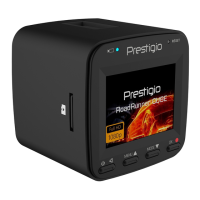
Make sure that the WiFi connected to Presgio RR530W with a password 1234567890 (Default AP).


 To Next Page