
 Need help?
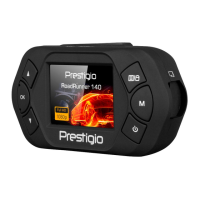
Do you have a question about the Prestigio RoadRunner 140 and is the answer not in the manual?
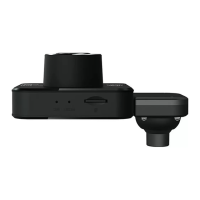
Instructions for correctly inserting the microSD card into the device slot.
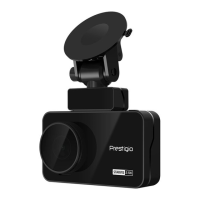
Step-by-step guide for securely attaching the device to a vehicle's windshield.
Explains how to fully charge the internal Li-ion battery before first use.
Options for customizing video resolution, date stamps, motion detection, and loop recording.
Guides on starting/stopping video recording, including auto and manual modes.
 General
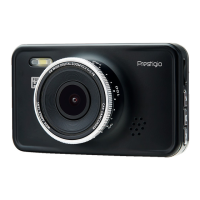
| Lens Angle | 120 degrees |
|---|---|
| Storage | microSD card up to 32 GB |
| G-Sensor | Yes |
| Loop Recording | Yes |
| Night Vision | Yes |
| GPS | No |
| Battery | Built-in battery |
| Power | 12V car adapter |

 To Next Page