2
User Manual RoadRunner 140
2. Getting started
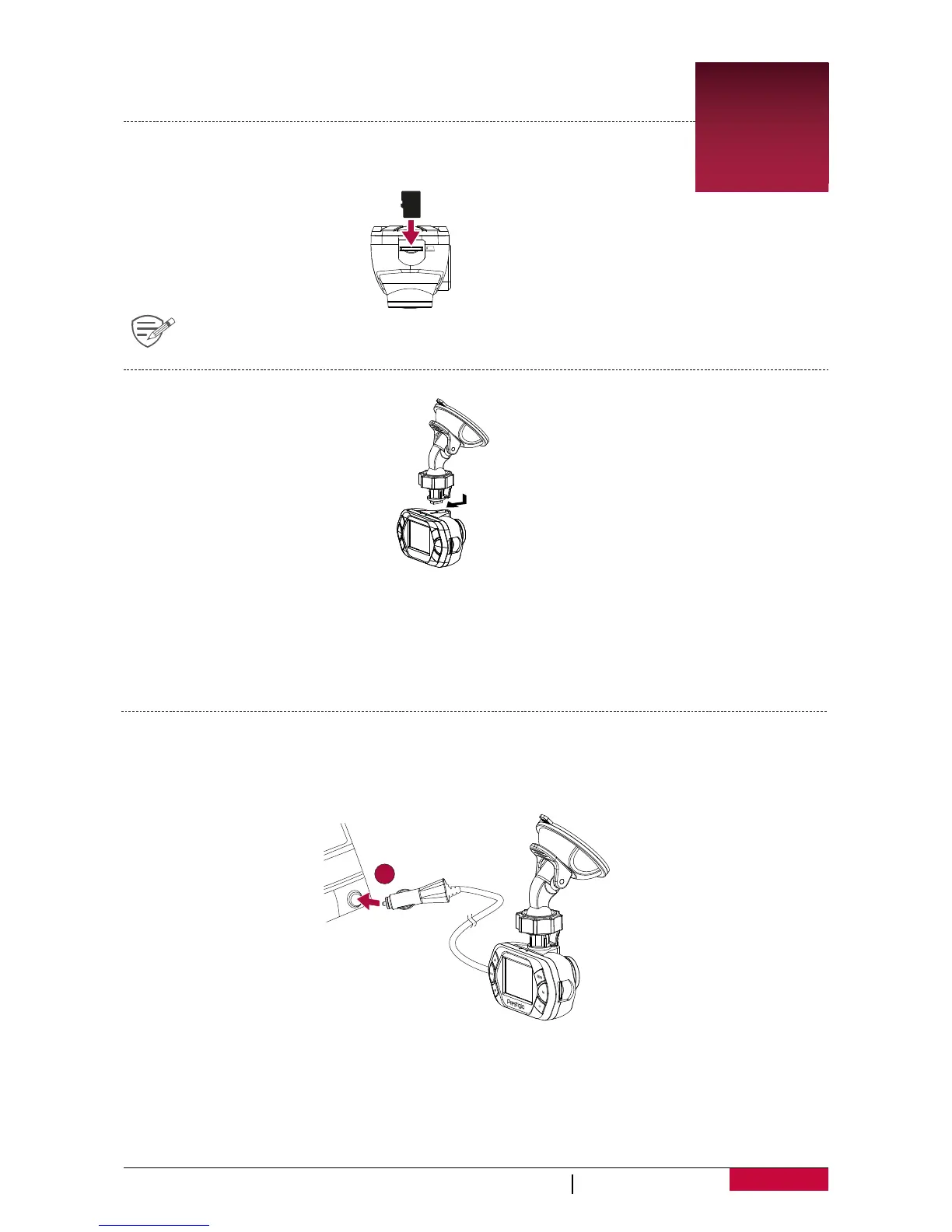
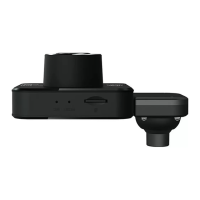
Insert a microSD card
Before starng video recording, please insert a microSD card (not included)
into the slot unl it locks in place.
The device will automacally recognize it as default storage and all the data will be
saved on this card.
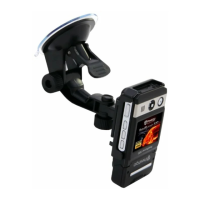
Mount to Windshield
1.
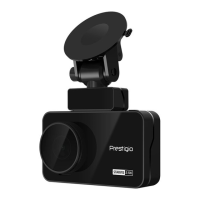
Aach the bracket to the device. Slide and push unl the connecon is firm.
2. With the sucon-cup laying flat, posion the sucon-cup on the windshield.
3. Hold the base firmly on the windshield and press down the clamp to mount the car holder to the
windshield. Make sure the base is securely locked in place.
Warning: Do not install the device on a nted window. Doing so may damage the nt film.
Charge the battery
Before using the device for the first me, please fully charge the Li-ion baery. The baery will
be completely charged in 1-2 hours.
• Using the car charger: charge the device through cigaree lighter. The device will start charging
aer the car engine is turned on.
• Using micro USB cable: connect the device to AC 5V adapter or the USB port of a computer/
laptop.
2
3


 To Next Page