2
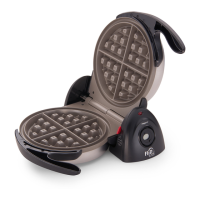
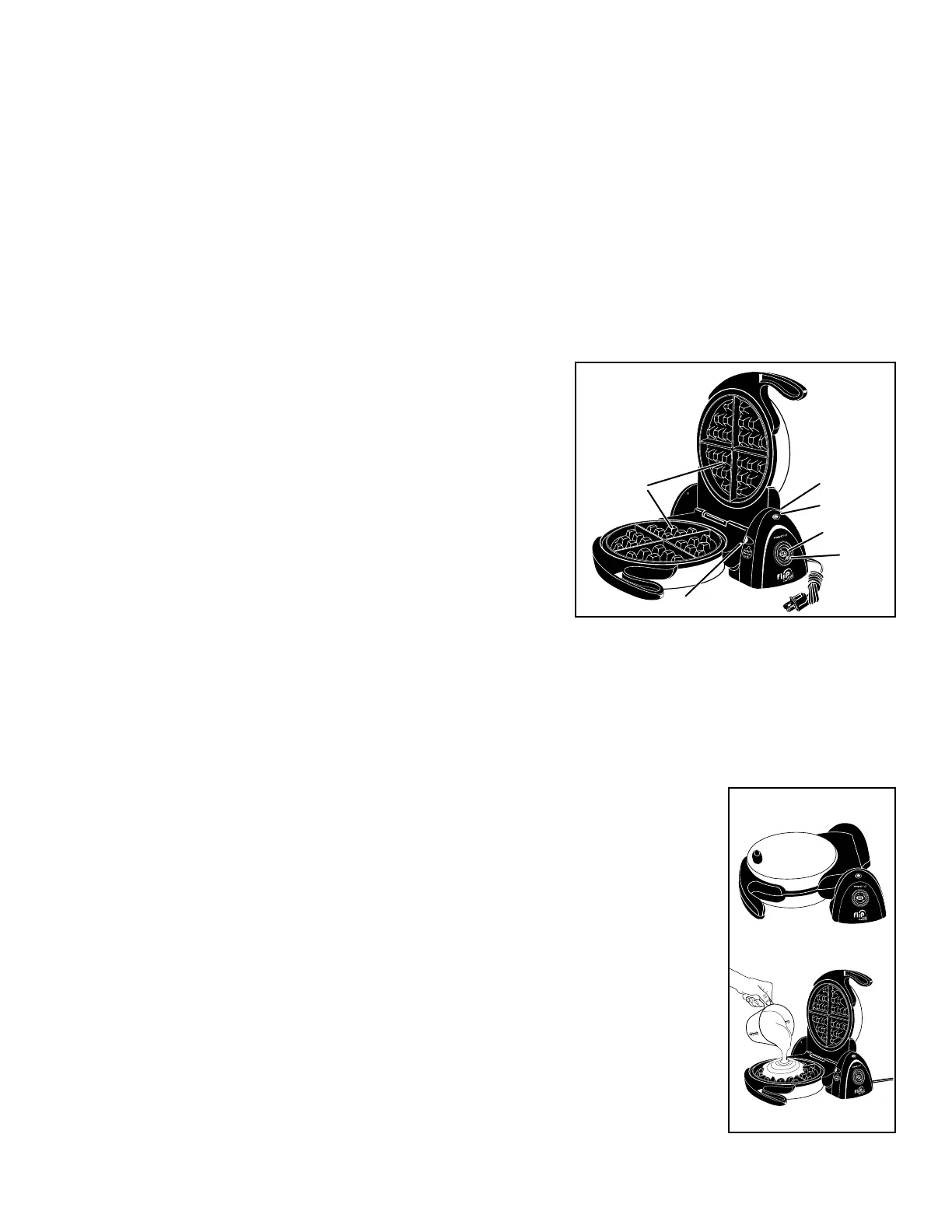
Wafe grids
Timer display
Signal light
Fig. A
Timer
button
Hinged base
Red locking lever
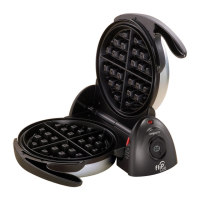
Fig. B
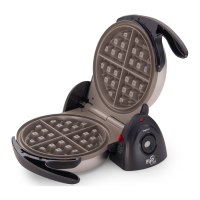
Fig. C
Important Cord Information
This appliance has a polarized plug (one blade is wider than the other). To reduce the risk of electric shock, this plug is intended to t
into a polarized outlet only one way. If the plug does not t fully into the outlet, reverse the plug. If it still does not t, contact a qualied
electrician. Do not attempt to modify the plug in any way.
A short power supply cord is provided to reduce the risk of becoming entangled in or tripping over a longer cord. Extension cords may
be used if care is properly exercised in their use.
If an extension cord is used, the marked electrical rating of the extension cord should be at least as great as the electrical rating of the
appliance. The extension cord should be arranged so that it will not drape over the countertop or tabletop where it can be pulled on by
children or tripped over unintentionally.
Connect the power supply cord to a 120VAC electrical outlet only.
Getting Acquainted
Before using for the rst time, become familiar with the wafe maker features (Fig. A). Wipe the wafe grids with a damp cloth before
initial use.
Timer Operating Instructions
NOTE: The timer works independently from the unit; it does not turn the unit
on or off.
1. Activate the timer by holding the button down (Fig. A) until 00 is visible in
the display screen.
2. Press the button once for each individual minute or hold the button down to
increase the display time rapidly until you have reached the desired time. The
timer can be set for 1 to 30 minutes.
The timer will automatically begin counting down approximately two seconds
after it is set.
NOTE: Shortly after you depress the button, the time remaining will ash on
the screen. It will continue to ash until the time has elapsed.
To reset the timer to zero, press and hold the timer button for about two seconds.
3. When there is just one minute left on the timer, you will hear two beeps to alert you that time is almost up. In addition, the seconds
remaining will now be displayed.
When the set time has expired, the timer will beep ve times. After about one minute, the display screen will go blank.
NOTE: If the timer does not beep, this can be corrected by simply removing the battery, wiping it clean, and then reinserting it. (See
page 4 for battery removal instructions.)
How to Use
1. Place the unit on the countertop so the timer display is facing towards you and the cover is closed (Fig.
B). Plug the cord into a 120VAC electrical outlet and preheat the wafe maker in the closed position.
The signal light will glow (Fig. A). When the unit has reached the correct temperature, the light will
go out indicating the unit is ready for use. Preheat time is short—approximately 3 to 5 minutes. During
cooking, the light will go on and off indicating temperature is being maintained.
NOTE: When using the wafe maker for the rst time, a slight odor or smoking may occur as
manufacturing residue burns off. This is normal during initial use.
2. While unit is preheating, prepare wafe batter.
NOTE: Because the grids are covered with a ceramic nonstick nish, there should be no need to apply
vegetable oil. No-stick cooking sprays are not recommended.
3. Pour approximately ¾ to 1 cup wafe batter into the center of the bottom wafe grid (Fig. C). The
amount of wafe batter needed may vary with the recipe or brand of batter mix used. If using the
recipes in this booklet (pages 3 and 4), refer to them for the recommended amount of batter.
4. Set the timer by pressing the button (Fig. A) to the desired time. See the recipes on pages 3 and 4 for
recommended cooking times. Most wafe recipes will take about 4 minutes. NOTE: The timer has a
delay start; it will automatically begin counting down approximately 2 seconds after it is set.
To reset the timer to zero, simply press and hold the timer button for about two seconds.


 To Next Page
 Loading...