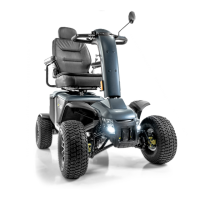
12 Baja™ Mobility BA400
REAR COMPONENTS
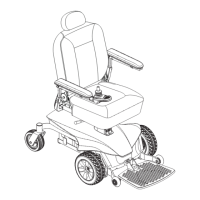
The manual freewheel lever, anti-tip wheels, motor/transaxle assembly, and optional safety fl ag brackets are
located on your vehicle as shown. See fi gure 7. Although not shown, the batteries and main circuit breaker (reset
button) are also located on the rear component section of your vehicle.
WARNING! Before placing your vehicle into or taking it out of freewheel mode, remove the key
from the key switch. Never sit on a vehicle when it is in freewheel mode. Never put a vehicle in
freewheel mode on any incline.
II. YOUR VEHICLE
FUNCTION BUTTONS FUNCTION INDICATOR
Hazard Lights SET + HAZARD LIGHTS
SET 1
Horn SET + HORN
SET 2
Low Voltage SET + LEFT TURN INDICATOR
SET 3
Turn Signals SET + RIGHT TURN INDICATOR
SET 4
Error Message
Language
Option
SET + LIGHTS
SET 5
6 - Spanish
5 - Italian
4 - French
3 - German
2 - Dutch
1 - English
0 - Close
Chart 3. Volume Control Information
Volume Control
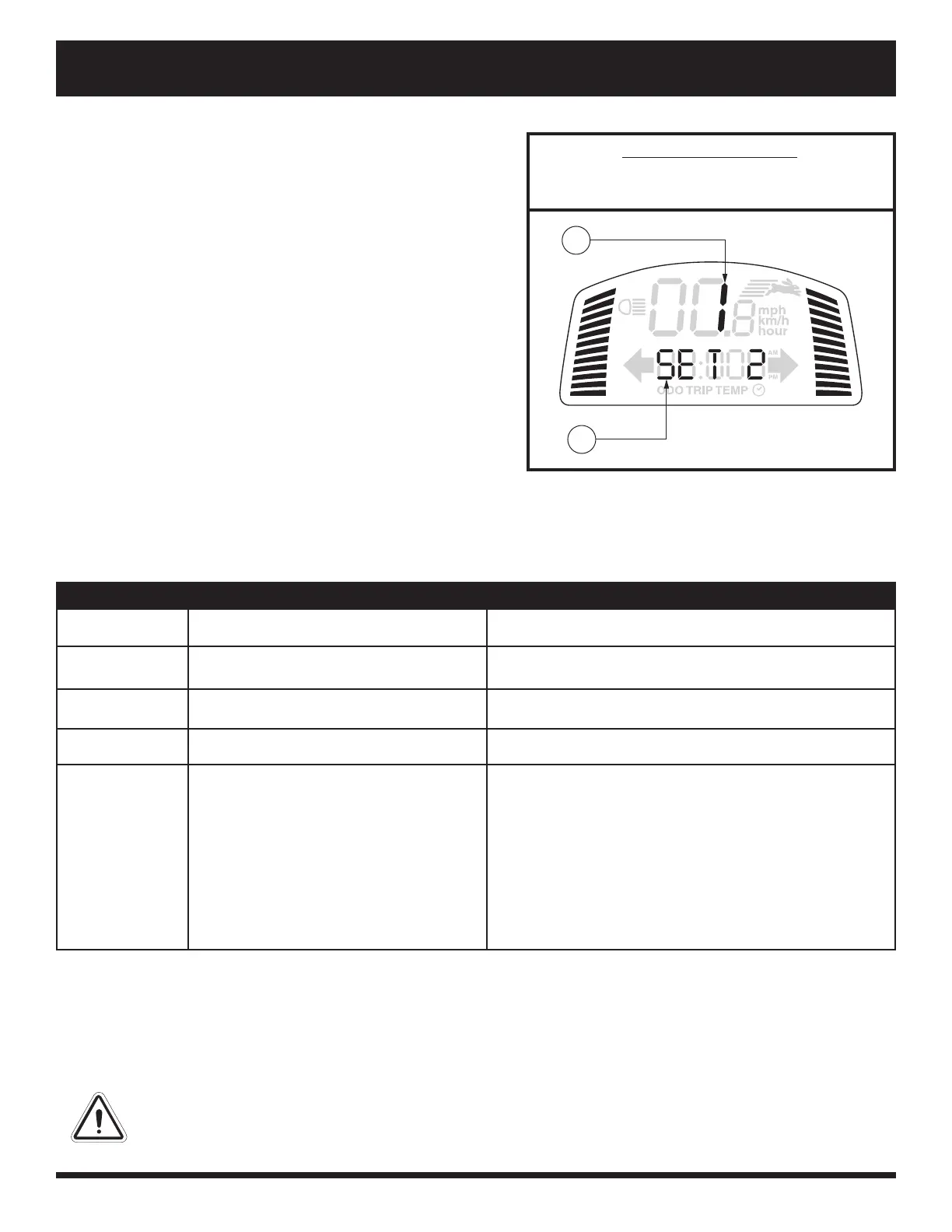
The volume of the hazard lights, horn, low voltage, turn
signals, and error message can be turned on or off separately.
See fi gure 6.
To set the volume on or off :
1. Ensure the key is in the “off ” position.
2. Press the appropriate two buttons simultaneously (see
chart 3), and turn the key to the “on” position.
3. Once the volume control screen appears, release the
buttons.
4. Press the rabbit button or the tortoise button to cycle
through modes (0-3 indicates off and 4 indicates on).
NOTE: The horn may be turned on or off . In Set 2, volume
control must be set at 4 for the horn to operate.
5. To exit, press any button except the rabbit or tortoise.
NOTE: The error message language option is set the same
way as the volume.
IDENTIFICATION KEY
1. VOLUME/LANGUAGE OPTION
2. FUNCTION INDICATOR
Figure 6. Volume Control Display
1
2


 To Next Page