Channel (+/-) Select Button:
Youcan go upand down thechanneEs by pressing CH (+)
button and CH (-)button. This button can also be used in adjusting the functions in
the Menu Mode.
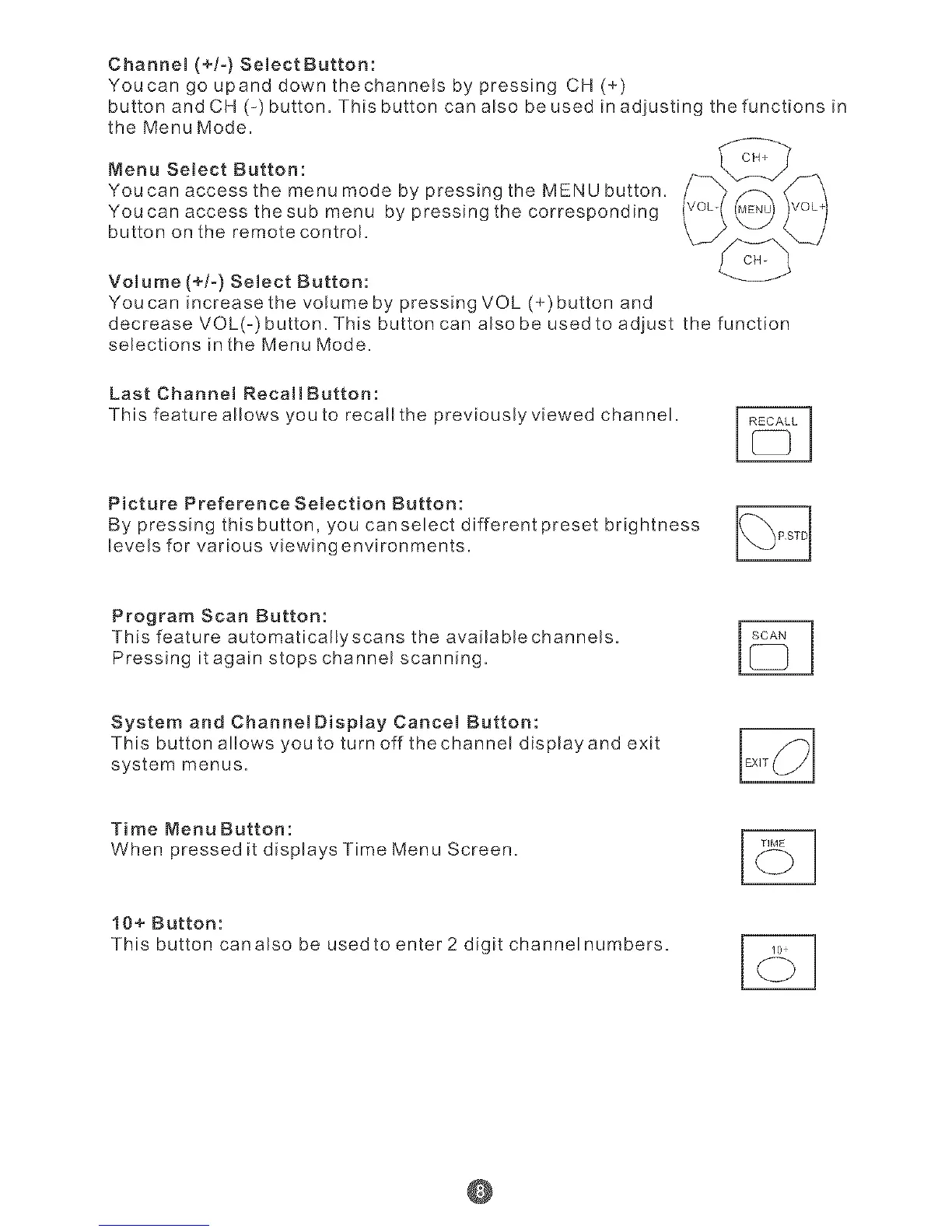
Menu Se,ect Button: _
YoucanaccessthemenumodebypressingtheMENUbutton. / "_/_ _" \
Youcan access thesub menu by pressing the corresponding
button on the remote control.
Volume (+!-) Select Button:
Youcan increasethe voEume by pressing VOL (+)button and
decrease VOL(-) button. This button can also be used to adjust the function
selections in the Menu Mode.
Last Channel RecallButton:
This feature allows you to recallthe previously viewed channel.
Picture Preference Selection Button:
By pressing this button, you can select different preset brightness
levels for various viewingenvironments.
Program Scan Button:
This feature automaticarlyscans the availablechannels.
Pressing it again stops channel scanning.
System and ChannelDisplay Cancel Button:
This button allows you to turn off thechannel displayand exit
system menus.
TimeMenuButton:
When pressed it displays Time Menu Screen.
10+ Button:
This button canalso be used to enter 2 digit channelnumbers.
@


 To Next Page
 Loading...
