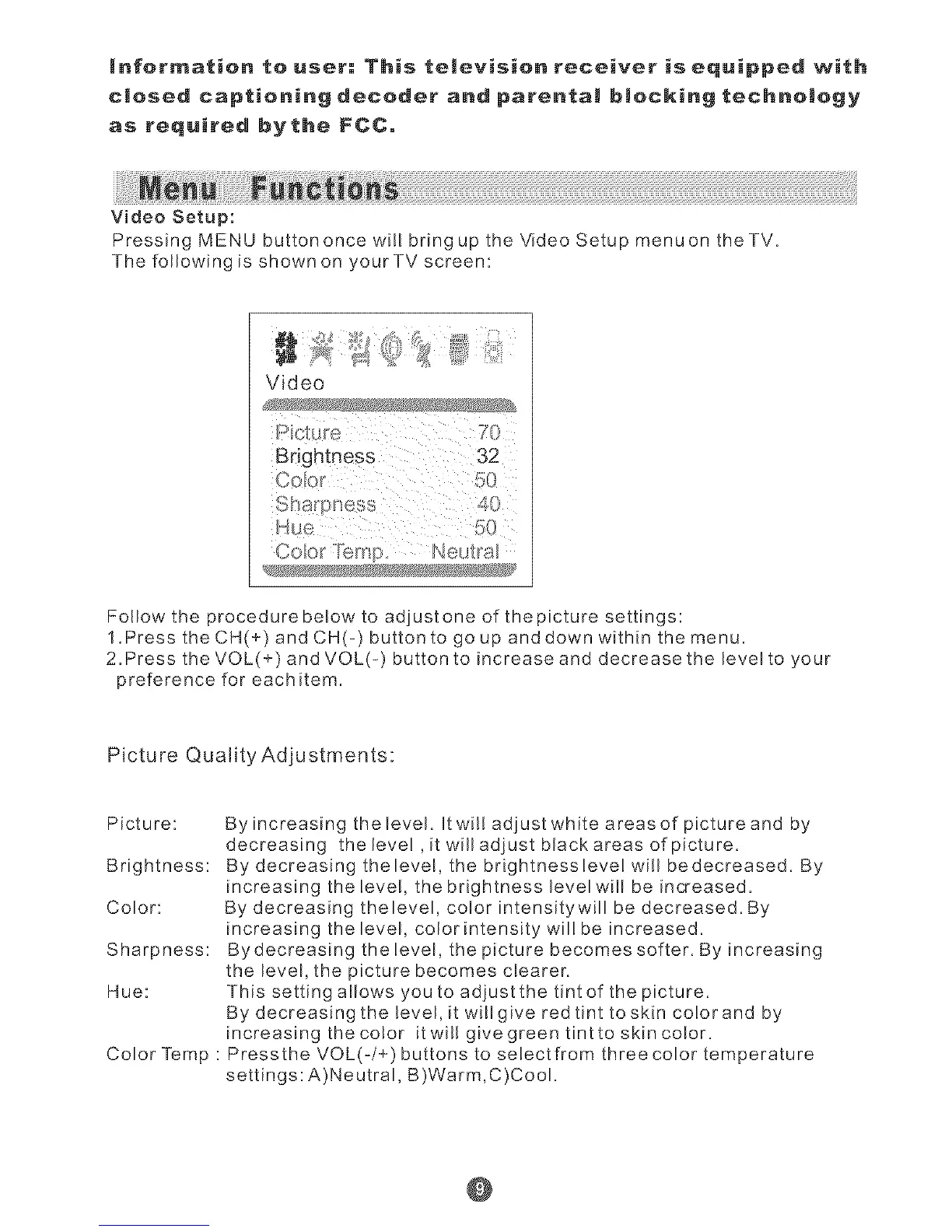
Video Setup:
Pressing MENU buttononce will bring up the Video Setup menuon theTV.
The following is shown on your TV screen:
Coo; Ne£a
Follow the procedurebe!ow to adjustone of the picture settings:
1.Press the CH(+) and CH(-) button to go up and down within the menu.
2.Press the VOL(+) and VOL(=) button to increase and decrease the level to your
preference for each item.
Picture Quality Adjustments:
Picture:
Brightness:
Color:
Sharpness:
Hue:
Color Temp :
By increasing thelevel. It wil! adiust white areas of picture and by
decreasing thelevel,itwilladjustblackareasofpicture.
By decreasing thelevel, the brightnessleve! will be decreased. By
increasing the bve!, the brightness levelwill be increased.
By decreasing thelevel, color intensitywill be decreased. By
increasing the level, color intensity wil! be increased.
Bydecreasing the bvel, the picture becomes softer. By increasing
the level, the picture becomes dearer.
This setting allows you to adiustthe tint of the picture.
By decreasing the bvel, it willgive red tint toskin co!orand by
increasing the co!or itwillgivegreentinttoskinco!or.
Pressthe VOL(-/+) buttons to selectfrom threecolor temperature
settings:A)Neutral, B)Warm,C)Cool.
@



 To Next Page