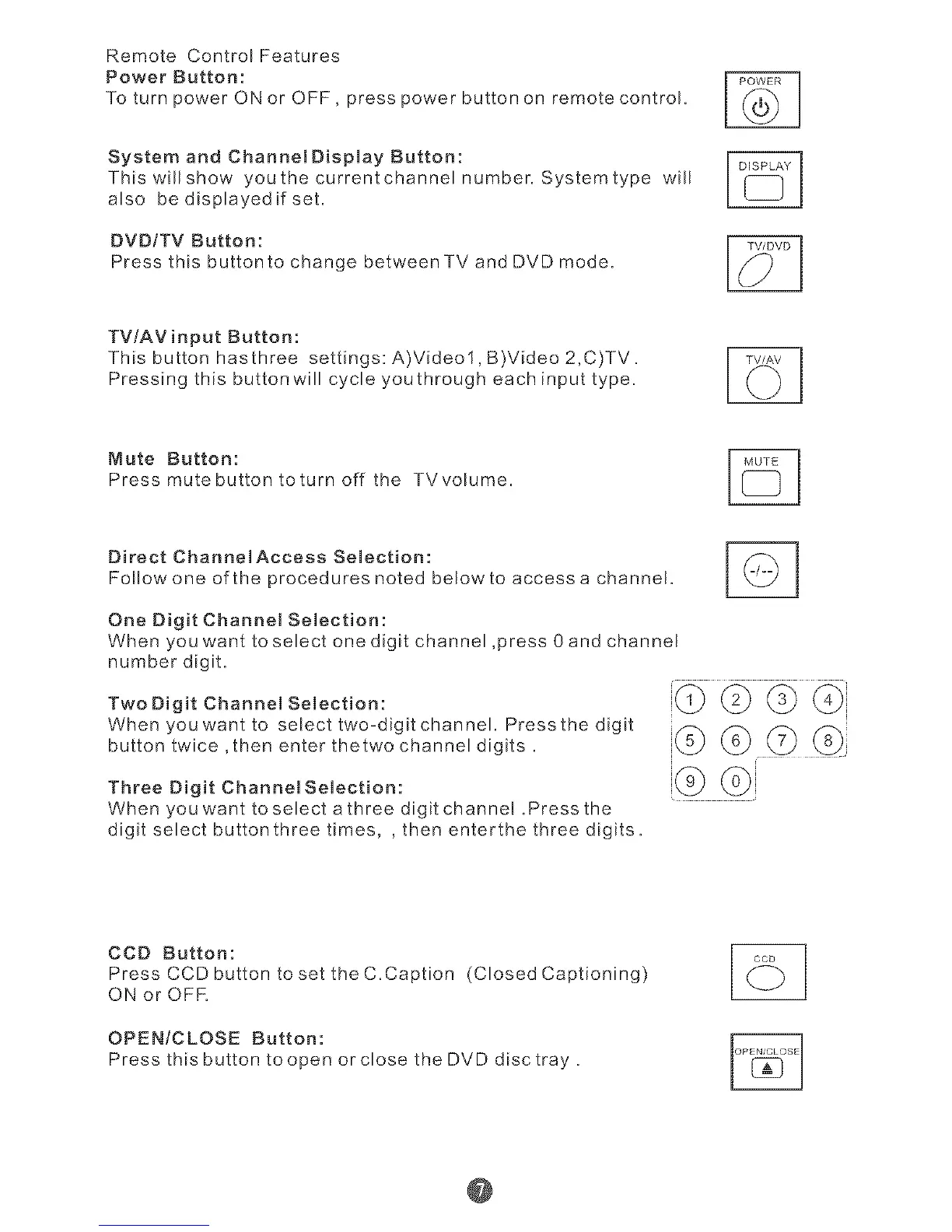
Remote ControIFeatures
Power Button:
To turn power ON or OFF, press power button on remote control.
System and ChannelDisplay Button:
This wiH show youthecurrentchannelnumber. Systemtype will
also be displayed if set.
BVB/TV Button:
Press this buttonto change between TV and DVD mode.
TV!AV input Button:
This button hasthree settings: A)Videol, B)Video 2,C)TV.
Pressing this button will cycle youthrough each input type.
Mute Button:
Pressmutebuttontoturnoff the TVvolume.
Direct ChannelAccess Selection:
Follow one of the procedures noted belowto access a channel.
One Digit Channel Selection:
When you want to select one digit channel ,press 0and channel
number digit.
Two Digit Channel Selection:
When youwant to select two-digit channel Pressthe digit
button twice ,then enter thetwo channel digits.
Three Digit Channel Selection:
When you want toseJect athree digit channe! .Press the
digit select buttonthree times, , then enterthe three digits.
!G ©!
CCD Button:
Press CCD button to set the C.Caption (CIosedCaptioning)
ON or OFR
OPEN/CLOSE Button:
Press this button to open or close the DVD disc tray.
@



 To Next Page