Calendar:
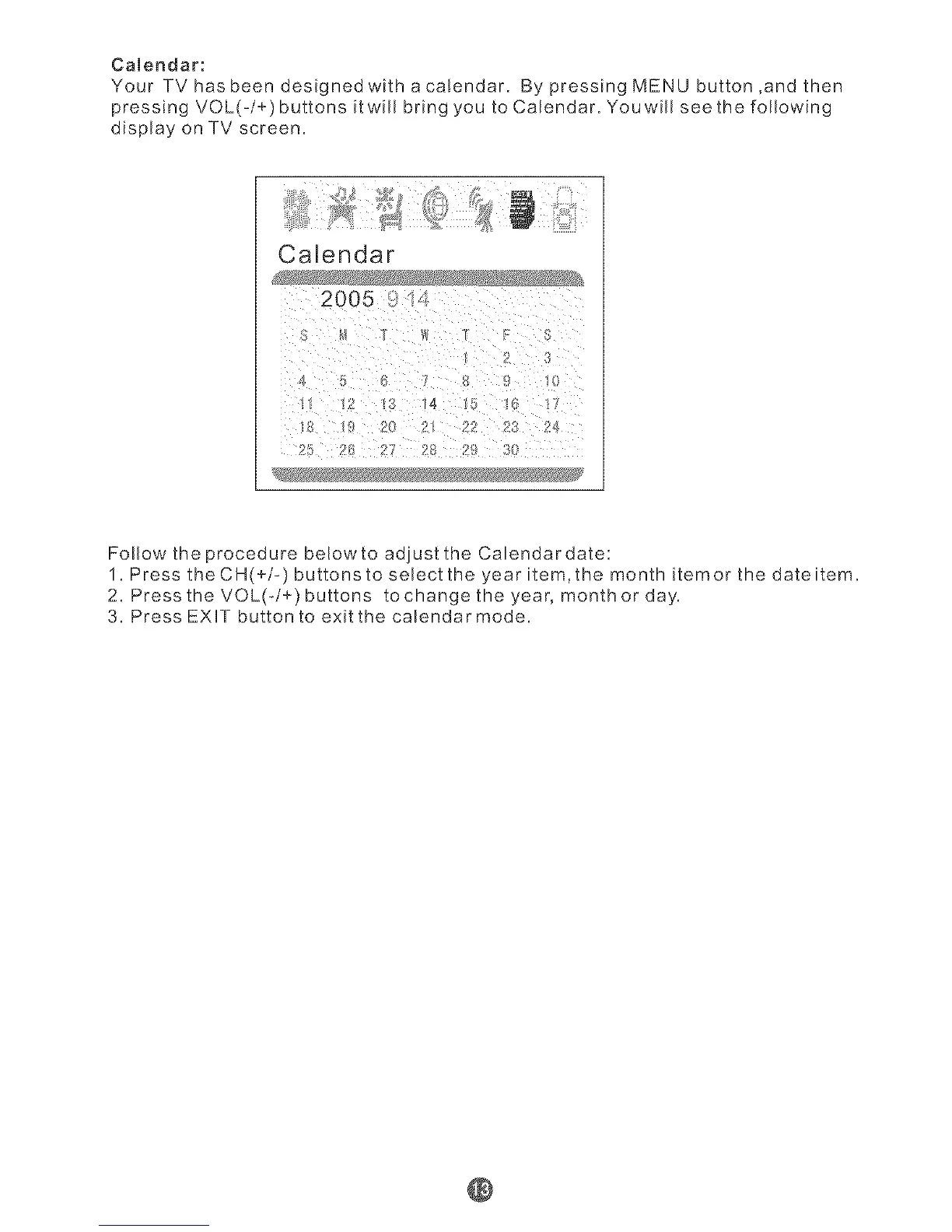
Your TV has been designed with a caEendar. By pressing MENU button ,and then
pressing VOL(-/+) buttons itwill bring you to Calendar. Youwill see the following
display on TV screen.
CaLendar
2005
lg 14 . .
le 2
:1
Follow the procedure below to adjust the Calendardate:
1. Press the CH(+/-) buttonsto select the year item,the month itemor the dateitem.
2. Press the VOL(-/÷) buttons to change the year, month or day.
3. Press EXUT button to exit the calendar mode.
@



 To Next Page